
Best Project Planning & Management Course Training in Yelahanka, Bangalore
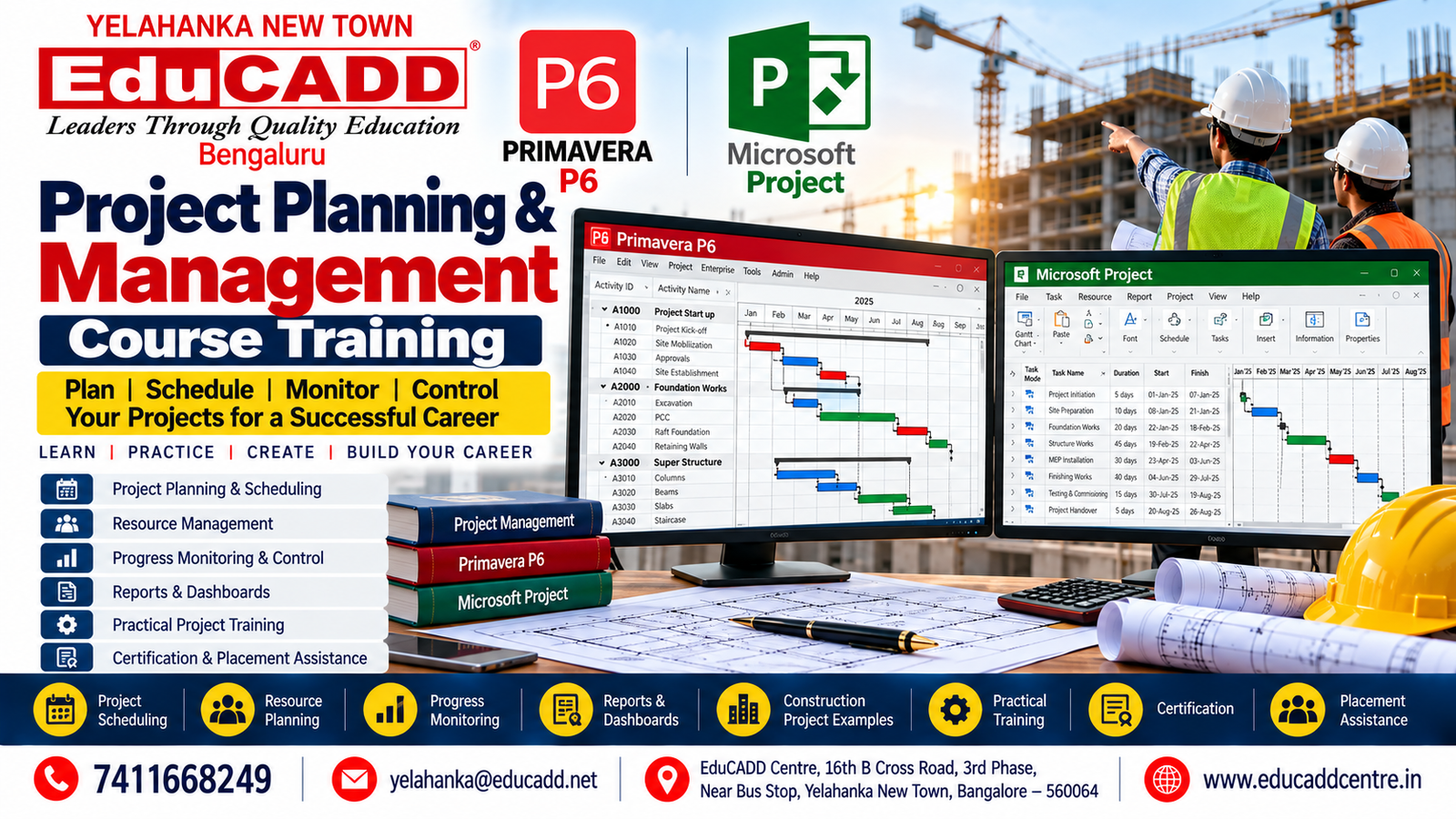
Project Planning & Management Course Training in Yelahanka, Bangalore
Introduction
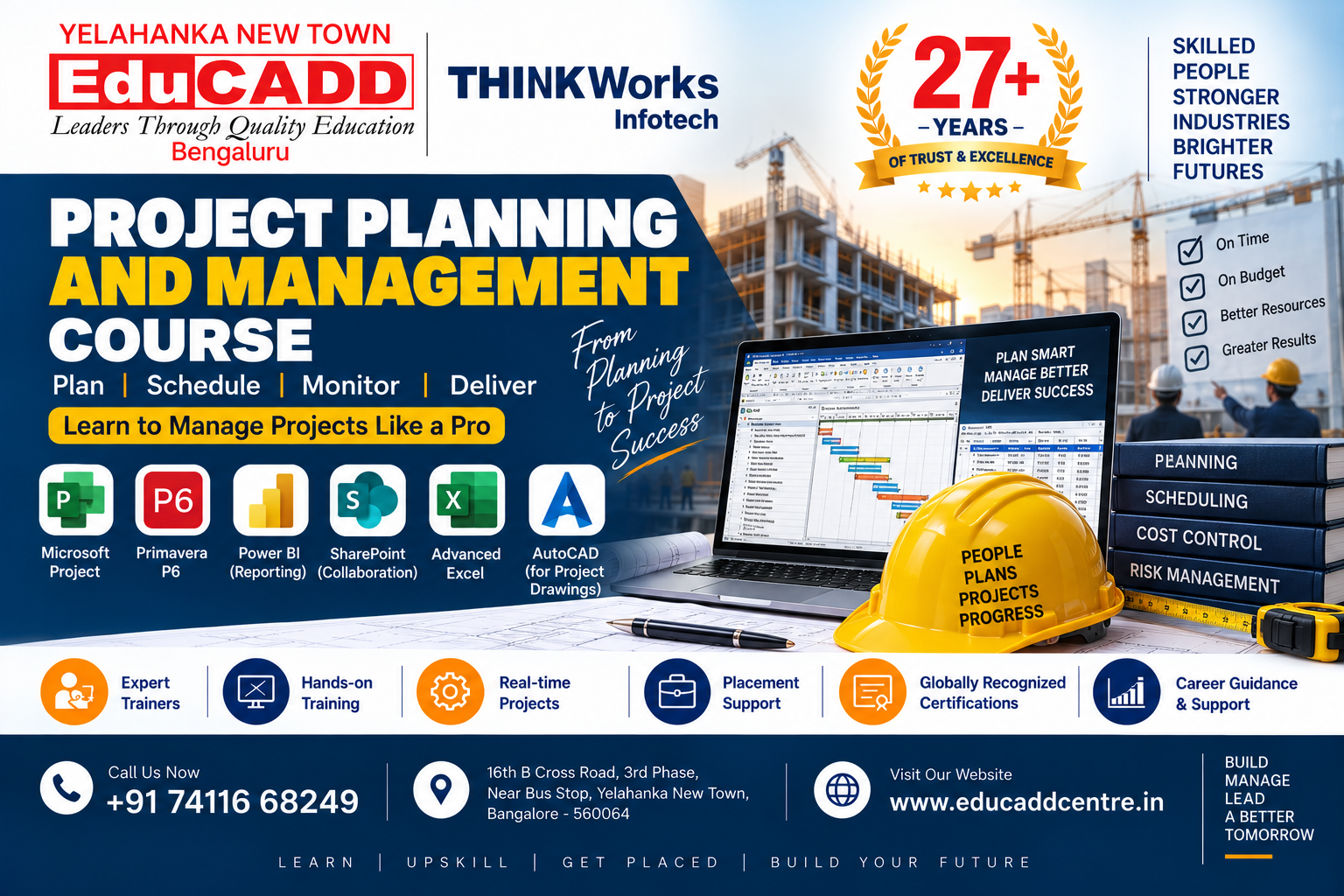
The Project Planning & Management Course Training in Yelahanka, Bangalore at EduCADD Centre Yelahanka is designed to develop practical skills in project planning, scheduling, resource management, progress monitoring and project control.
The training focuses on industry-relevant project planning software and techniques used in construction, infrastructure, engineering and other project-based industries.
Students learn how to create project schedules, develop Work Breakdown Structures, define activities, establish relationships, manage resources, monitor progress, identify delays and prepare professional project reports.
The course is suitable for Civil Engineers, Mechanical Engineers, Electrical Engineers, diploma holders, engineering graduates, site engineers, planning engineers, project coordinators, freshers and working professionals.
Project Planning & Management Course Overview
Effective planning and scheduling are essential for completing projects within the planned time, resources and objectives.
At EduCADD Centre Yelahanka, the Project Planning & Management Course Training combines project management concepts with practical software training and project-based exercises.
Key Areas Covered
- Project planning fundamentals
- Project management fundamentals
- Work Breakdown Structure
- Activity planning
- Project scheduling
- Activity relationships
- Critical Path Method
- Resource planning
- Resource allocation
- Baseline management
- Progress monitoring
- Schedule updating
- Delay identification
- Project control
- Project documentation
- Reports and dashboards
- Construction project planning
- Practical project exercises
Software Covered
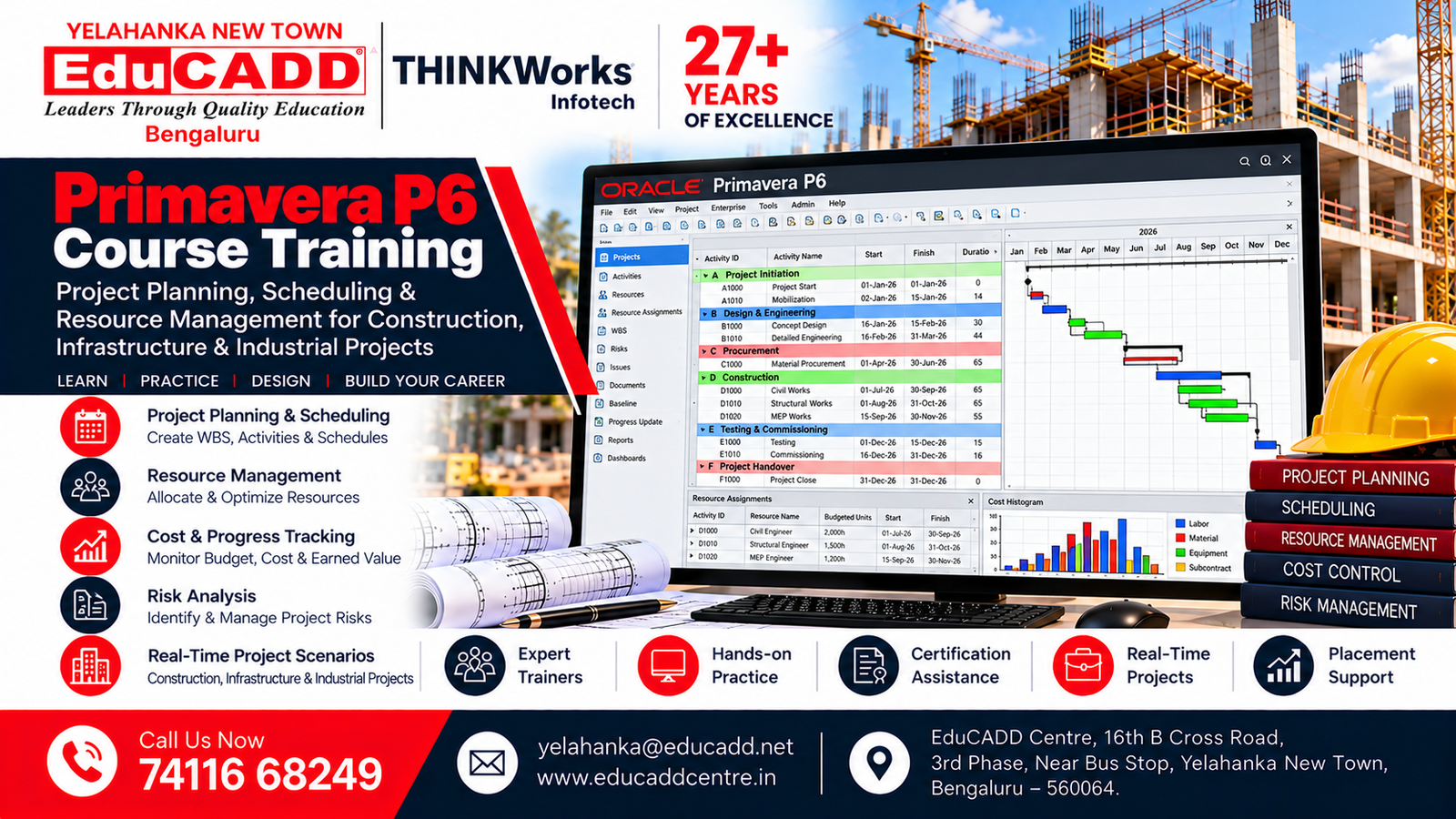
Primavera P6 Course
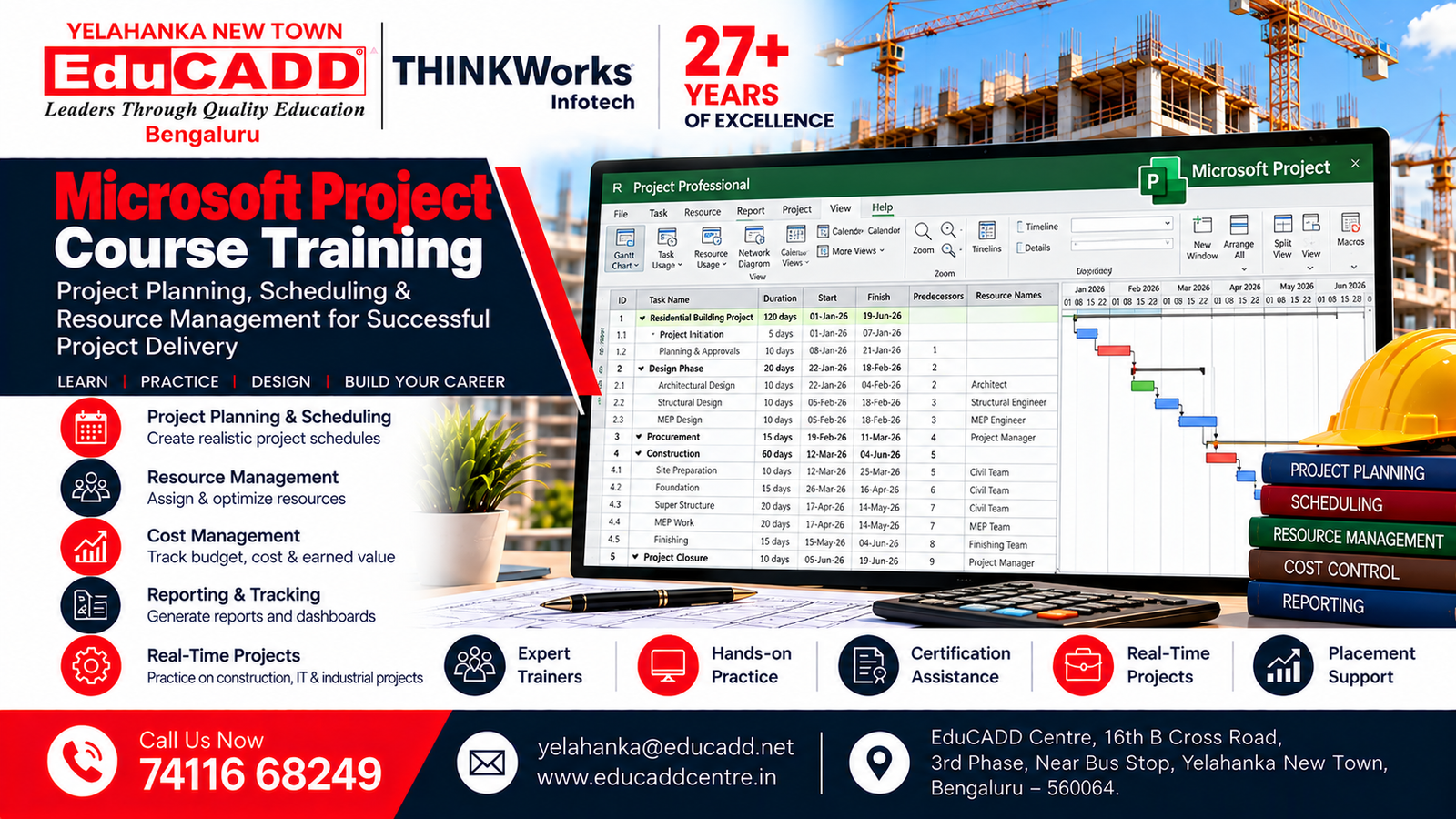
Microsoft Project Course
Primavera P6
Primavera P6 training focuses on practical project planning and scheduling workflows.
Students learn:
- Project creation
- EPS and OBS concepts
- Work Breakdown Structure
- Activity creation
- Activity codes
- Activity relationships
- Calendars
- Scheduling
- Critical Path
- Baseline
- Resource planning
- Progress updating
- Schedule monitoring
- Reports and layouts
Microsoft Project
Microsoft Project training covers:
- Project setup
- Task creation
- Task durations
- Task dependencies
- Project calendars
- Resources
- Resource allocation
- Scheduling
- Baselines
- Progress tracking
- Gantt charts
- Project reports
What You Will Learn
Module 1: Project Planning Fundamentals
- Introduction to project planning
- Project lifecycle
- Project objectives
- Project scope
- Project deliverables
- Work Breakdown Structure
- Project activities
- Milestones
- Project planning workflow
Module 2: Project Scheduling
Students learn how to develop structured project schedules.
Topics include:
- Activity identification
- Activity duration
- Activity sequencing
- Predecessors and successors
- Activity relationships
- Project calendars
- Scheduling
- Milestones
- Critical activities
- Project completion dates
Module 3: Primavera P6 Planning
Students learn practical Primavera P6 workflows, including:
- Creating projects
- EPS structure
- OBS concepts
- WBS creation
- Activity creation
- Activity relationships
- Calendars
- Scheduling
- Critical Path Method
- Baseline creation
- Progress updates
- Schedule analysis
- Project layouts
- Reports
Module 4: Microsoft Project
Training includes:
- Project creation
- Task management
- Task dependencies
- Gantt charts
- Scheduling
- Resource management
- Baselines
- Progress tracking
- Project views
- Reports
Module 5: Resource Planning & Management
Students learn the fundamentals of planning and managing:
- Labour resources
- Material resources
- Equipment resources
- Resource allocation
- Resource loading
- Resource utilization
- Resource monitoring
- Resource-related reporting
Module 6: Project Monitoring & Control
Students learn how to monitor project performance through:
- Planned vs actual progress
- Schedule updates
- Baseline comparison
- Delayed activities
- Critical activities
- Progress tracking
- Recovery planning
- Schedule control
- Project status reporting
Module 7: Project Reporting
Students learn to understand and prepare project reports such as:
- Project schedules
- Progress reports
- Activity reports
- Resource reports
- Baseline reports
- Project status reports
- Schedule comparison
- Project dashboards
- Management reports
Practical Project Planning Training
The course emphasizes practical application through realistic project planning exercises.
Construction Project Planning
Students can work on a construction project covering:
- Project activities
- Work Breakdown Structure
- Activity sequencing
- Activity relationships
- Resource planning
- Project scheduling
- Critical path
- Baseline
- Progress monitoring
- Project reports
Building Project Schedule
A building project can include activities such as:
- Site preparation
- Excavation
- Foundation
- Structural works
- Masonry
- Electrical works
- Plumbing works
- Flooring
- Finishing works
- External works
- Project handover
Infrastructure Project Planning
Students can also understand planning workflows for infrastructure projects involving multiple activities, resources, milestones and project schedules.
Project Planning & Management Skills
The training helps students develop practical skills in:
- Project planning
- Project scheduling
- Activity management
- Work Breakdown Structure
- Critical Path analysis
- Resource management
- Progress monitoring
- Schedule updating
- Delay identification
- Project control
- Project reporting
- Construction planning
- Project coordination
Course Highlights
- Project Planning & Management training
- Primavera P6
- Microsoft Project
- Project scheduling
- Work Breakdown Structure
- Activity planning
- Critical Path Method
- Baseline management
- Resource planning
- Progress monitoring
- Schedule updating
- Delay analysis
- Project reporting
- Construction project planning
- Practical project exercises
- Hands-on training
- Project-based learning
- Certification
- Placement assistance
Who Can Join Project Planning & Management Course?
The course is suitable for:
- Civil Engineering students
- Civil Engineering graduates
- Diploma Civil students
- Mechanical Engineering professionals
- Electrical Engineering professionals
- Construction professionals
- Site engineers
- Planning engineers
- Project coordinators
- Project engineers
- Quantity surveyors
- Construction managers
- Fresh engineering graduates
- Working professionals
- Beginners interested in project planning
Career Opportunities After Project Planning & Management Training
After completing the training, candidates can explore opportunities such as:
- Planning Engineer
- Project Planning Engineer
- Junior Planning Engineer
- Project Coordinator
- Project Engineer
- Construction Planning Engineer
- Project Scheduler
- Project Planning Coordinator
- Project Management Assistant
- Construction Project Coordinator
- Project Controls Assistant
- Junior Project Management Professional
Project planning and scheduling skills can be useful across construction, infrastructure, engineering and other project-based industries.
Why Learn Project Planning & Management?
Project planning helps organizations organize activities, resources and schedules to achieve project objectives efficiently.
Learning project planning and management can help you:
- Understand professional project workflows
- Create project schedules
- Plan project activities
- Manage project resources
- Identify critical activities
- Track project progress
- Compare planned and actual progress
- Understand project delays
- Prepare project reports
- Develop practical planning skills
- Improve career opportunities in project planning
Why Learn Primavera P6 and Microsoft Project?
Primavera P6 and Microsoft Project are widely used project scheduling tools that help professionals organize and monitor project activities.
Learning these tools can help you:
- Create structured project schedules
- Develop activity relationships
- Create project baselines
- Track project progress
- Manage resources
- Monitor project delays
- Prepare project reports
- Understand project control workflows
- Improve project scheduling skills
Why Choose EduCADD Centre Yelahanka?
EduCADD Centre Yelahanka provides career-oriented technical training with an emphasis on practical learning and project-based education.
Key Benefits
- Practical project planning training
- Primavera P6 training
- Microsoft Project training
- Experienced trainers
- Hands-on exercises
- Project-based learning
- Construction project examples
- Scheduling practice
- Resource planning exercises
- Progress monitoring
- Project reporting
- Certification
- Placement assistance
- Career guidance
- Yelahanka New Town location
Project Planning Training for Freshers
Fresh engineering graduates can use project planning training to develop practical skills before entering construction, infrastructure and engineering project roles.
The training helps freshers understand how activities are planned, scheduled, monitored and reported throughout a project lifecycle.
Project Planning Training for Working Professionals
Working professionals can strengthen their planning and scheduling skills through practical training in Primavera P6, Microsoft Project and project control workflows.
The course can help professionals improve their ability to develop schedules, monitor progress, manage resources and prepare project reports.
Start Your Project Planning Career
Build practical Project Planning & Management skills in Yelahanka, Bangalore with Primavera P6, Microsoft Project, project scheduling, resource planning and project monitoring training at EduCADD Centre Yelahanka.
📞 Call: 7411668249
📧 Email: yelahanka@educadd.net
📍 EduCADD Centre, 16th B Cross Road, 3rd Phase, Near Bus Stop, Yelahanka New Town, Bangalore – 560064
🌐 www.educaddcentre.in
#1 CADD & IT Courses with 100% Placement Assistance
We provide industry-focused training in Civil, Mechanical, Architecture, Interior Design, Electrical CADD, BIM, AI, Data Science and IT software for students, graduates and working professionals.







Our Students. Their Success.
Celebrating Career Opportunities & Placement Achievements




























Why Choose EduCADD Centre Yelahanka Bangalore?
Get industry-focused training with practical learning, expert trainers, modern labs, and career-oriented support.

Industry-Focused Courses
Learn software skills aligned with current industry requirements.

Expert Trainers
Learn from experienced trainers with practical industry knowledge.

Practical Hands-On Training
Work on real projects and develop job-ready software skills.
Real-Time Projects
Build practical projects that strengthen your portfolio and confidence.
Modern Computer Labs
Practice on modern systems with a comfortable learning environment.

Flexible Batch Timings
Choose convenient weekday or weekend batches that fit your schedule.

Affordable Course Fees
Get quality professional training with budget-friendly course fees.

Internship & Placement Assistance
Get career guidance, interview preparation and placement assistance.
What Our Students Say About EduCADD Yelahanka
Frequently Asked Questions About Project Planning and Management Course Training at EduCADD Centre Yelahanka Bangalore
Ready to Build Your Career with Industry-Ready Skills?
Join EduCADD Centre Yelahanka Bangalore for practical, industry-focused training in CAD, CADD, BIM, Interior Design, Digital Marketing and IT software.
