
Best Microsoft Project (MSP) Course Training in Yelahanka, Bangalore.

Microsoft Project Course in Bangalore
The Microsoft Project (MSP) Course in Yelahanka at EduCADD Centre is designed to develop practical project planning, scheduling and project management skills using Microsoft Project.
The training helps students understand how to create project plans, organise tasks, define timelines, establish task relationships, manage resources and track project progress.
You will learn how to create Work Breakdown Structures, task schedules, milestones, dependencies, Gantt charts and project baselines. The course also introduces resource management, progress tracking, project reporting and schedule analysis.
The training focuses on practical, project-based learning using realistic construction, engineering and other project scenarios. Students can practise creating and managing project schedules while understanding how project planning information is used for monitoring and decision-making.
With 27+ years of training experience, EduCADD Centre Yelahanka provides practical, career-oriented Microsoft Project Training in Yelahanka, Bangalore for students, freshers and working professionals.
Why Learn Microsoft Project (MSP)?
Learning Microsoft Project (MSP) helps you develop practical skills for planning, scheduling and monitoring projects. It provides a structured way to organise project tasks, timelines, resources and progress.
Key Benefits of Learning Microsoft Project
- Project Planning – Learn how to structure projects from start to completion.
- Task Scheduling – Create tasks, durations, milestones and project timelines.
- Work Breakdown Structure – Organise projects into logical phases and activities.
- Task Relationships – Define predecessors, successors and task dependencies.
- Gantt Chart Planning – Visualise project activities, timelines and schedules.
- Resource Management – Assign and manage resources for project activities.
- Baseline Management – Establish planned schedules for comparing actual project performance.
- Progress Tracking – Monitor completed work and identify schedule variations.
- Project Reporting – Organise project information and prepare useful project reports.
- Practical Project Training – Apply Microsoft Project concepts to realistic construction and engineering projects.
- Career Development – Build project planning and scheduling skills relevant to project coordination and management roles.
EduCADD Centre Yelahanka focuses on practical Microsoft Project Training in Yelahanka, Bangalore, helping students and professionals understand how project planning and scheduling concepts are applied in real project environments.
Microsoft Project (MSP) Course Modules
1. Microsoft Project Fundamentals
- Introduction to Microsoft Project
- Understanding the MSP interface
- Creating and managing projects
- Project information and settings
- Project calendars
2. Work Breakdown Structure (WBS)
- Understanding WBS
- Creating project phases
- Organising tasks and subtasks
- Structuring construction and engineering projects
3. Tasks & Activity Management
- Creating tasks
- Task durations
- Milestones
- Summary and subtasks
- Task types
- Task calendars
4. Task Relationships & Scheduling
- Predecessors and successors
- Finish-to-Start and other task relationships
- Task dependencies
- Scheduling project activities
- Identifying the critical path
5. Resources & Resource Management
- Creating resources
- Assigning resources to tasks
- Resource calendars
- Resource allocation
- Understanding resource requirements
6. Baselines & Progress Tracking
- Creating project baselines
- Setting the status date
- Updating actual progress
- Planned vs. actual progress
- Tracking schedule variations
7. Project Costs & Reporting
- Resource and task costs
- Understanding project cost information
- Project views and tables
- Project reports
- Schedule analysis and reporting
8. Practical Microsoft Project Project
- Creating a complete project
- Developing WBS
- Creating tasks and milestones
- Setting task relationships
- Assigning resources
- Developing the project schedule
- Creating a baseline
- Updating project progress
- Analysing project performance
- Preparing project reports
What You Will Learn in Microsoft Project (MSP)
By completing the Microsoft Project (MSP) Course in Yelahanka, you will develop practical skills for planning, scheduling, resource management and progress tracking using Microsoft Project.
Skills You Will Develop
- Understand the Microsoft Project interface and project environment
- Create and manage project files
- Develop a Work Breakdown Structure (WBS)
- Create tasks, subtasks and milestones
- Set task durations and project calendars
- Define predecessors and successors
- Create task relationships and dependencies
- Develop and analyse Gantt Charts
- Understand Critical Path concepts
- Schedule and organise project activities
- Create and assign project resources
- Understand resource allocation and requirements
- Create project baselines
- Update actual project progress
- Compare planned and actual progress
- Monitor schedule variations
- Understand task and resource cost information
- Prepare project reports
- Analyse project schedules and project performance
- Build complete project schedules through practical exercises
The training is designed to help you build job-oriented Microsoft Project skills applicable to construction, engineering, project coordination and other project-based environments.
Practical Microsoft Project (MSP) Training & Real-Time Projects
At EduCADD Centre Yelahanka, the Microsoft Project (MSP) Course in Yelahanka focuses on practical project planning and scheduling using realistic construction and engineering project scenarios.
Practical Training Workflow
1. Project Setup
Create a project and configure project information, calendars and basic settings.
2. Develop WBS
Organise the project into logical phases, activities and work packages.
3. Create Tasks & Milestones
Add tasks, subtasks, durations and milestones to build the project schedule.
4. Define Task Relationships
Connect activities using predecessors, successors and appropriate task dependencies.
5. Develop the Gantt Chart
Build and analyse the project timeline using the Gantt Chart and scheduling views.
6. Assign Resources
Create resources, assign them to tasks and understand resource requirements.
7. Create a Baseline
Establish a baseline schedule to compare planned and actual project performance.
8. Update Project Progress
Record actual progress, update tasks and identify schedule variations.
9. Generate Reports
Organise project information and prepare useful project planning and progress reports.
Real-Time Project-Based Learning
Practical exercises can include:
- Residential building projects
- Commercial construction projects
- Civil engineering projects
- Infrastructure project schedules
- Construction activity planning
- Resource-based project scheduling
- Baseline and progress monitoring
- Project reporting and schedule analysis
This hands-on approach helps students understand how Microsoft Project (MSP) can be used for project planning, scheduling, resource management and progress monitoring in real project environments.
Microsoft Project (MSP) Applications
Microsoft Project is widely used for project planning, scheduling, task management, resource planning, progress tracking and project reporting across construction, engineering and other project-based environments.
Major Applications
- Project Planning – Plan project activities, phases and timelines.
- Construction Scheduling – Develop structured schedules for construction projects.
- Work Breakdown Structure (WBS) – Organise complex projects into manageable work packages.
- Task Management – Define tasks, durations, milestones and dependencies.
- Gantt Chart Planning – Visualise project activities and timelines.
- Critical Path Analysis – Identify activities that can significantly affect the project schedule.
- Resource Planning – Assign and manage resources required for project activities.
- Baseline Management – Compare planned schedules with actual project progress.
- Progress Monitoring – Track task completion and identify schedule variations.
- Project Cost Information – Organise and analyse task and resource cost information.
- Project Reporting – Prepare project planning, progress and schedule reports.
- Engineering & Infrastructure Projects – Support planning and scheduling for multi-activity projects.
These applications make Microsoft Project Training in Yelahanka, Bangalore valuable for students and professionals interested in project planning, scheduling, construction management and project coordination.
Career Opportunities After Microsoft Project (MSP) Training
Learning Microsoft Project (MSP) can help you develop practical project planning, scheduling and coordination skills relevant to construction, engineering and other project-based industries.
Potential Job Roles
- Project Planning Engineer
- Planning Engineer
- Junior Planning Engineer
- Project Scheduler
- Planning & Scheduling Engineer
- Project Coordinator
- Construction Planning Engineer
- Project Controls Assistant
- Project Planning Assistant
- Project Scheduling Assistant
- Construction Project Coordinator
- Project Management Assistant
- Planning & Project Controls Executive
- Junior Project Controls Professional
Industries & Work Areas
Microsoft Project skills can be applied in:
- Building construction
- Infrastructure projects
- Civil engineering projects
- Industrial and engineering projects
- Construction planning and scheduling
- Project coordination
- Project controls
- Progress monitoring and reporting
- Project management support
At EduCADD Centre Yelahanka, practical Microsoft Project exercises, scheduling projects, career guidance, resume support and placement assistance help students prepare for relevant entry-level opportunities in project planning and coordination.
Career & Placement Support
EduCADD Centre Yelahanka provides career guidance and placement assistance to help students prepare for relevant opportunities after completing their Microsoft Project (MSP) Course in Yelahanka.
Our Career Support Includes
- Practical Project Experience – Work on realistic project planning and scheduling exercises.
- Project Portfolio Guidance – Organise Microsoft Project work for professional presentation.
- Resume Support – Highlight your project planning, scheduling and MSP skills effectively.
- Interview Preparation – Prepare for technical and HR interview rounds.
- Technical Skill Development – Strengthen WBS, task scheduling, dependencies, Gantt charts, resources, baselines and progress-tracking skills.
- Career Guidance – Understand suitable roles in project planning, scheduling and project coordination.
- Placement Assistance – Support students in preparing for relevant job opportunities and connecting with suitable openings.
Build Job-Ready Microsoft Project Skills
Whether you are a civil engineering student, fresher, planning professional or working professional, practical Microsoft Project training can help you develop skills relevant to project planning, scheduling, coordination and project controls roles.
Start your career-oriented training at EduCADD Centre Yelahanka, Bangalore, with practical learning and guidance backed by 27+ years of training experience.
Start Your Microsoft Project Learning Journey
Build practical skills in project planning, scheduling, task management, resource management, progress tracking and project reporting with the Microsoft Project (MSP) Course in Yelahanka, Bangalore at EduCADD Centre.
With 27+ years of training experience, our career-oriented training focuses on practical exercises, realistic construction and engineering projects, schedule development and industry-relevant project planning skills.
Why Choose EduCADD Centre Yelahanka?
- Practical and project-based Microsoft Project training
- Experienced trainers
- Realistic construction and engineering project schedules
- WBS and task planning practice
- Gantt Chart and scheduling exercises
- Resource and baseline management
- Progress monitoring and reporting
- Career guidance
- Resume and interview preparation
- Placement assistance
- Convenient location in Yelahanka New Town, Bangalore
Whether you are a civil engineering student, fresher, planning professional or working professional, this course can help you develop practical Microsoft Project skills for project planning and scheduling opportunities.
Start Learning Today
Take the next step towards developing professional Microsoft Project (MSP) skills in Yelahanka and build a stronger foundation for your project planning career.
Join EduCADD Centre Yelahanka, Bangalore — Learn Practically. Plan Better. Build Your Career.
Civil CADD Courses & Software
Learn industry-relevant Civil CADD software through practical training, guided exercises, and real-time projects. Our courses cover architectural design, structural modelling, MEP coordination, visualization, analysis, and construction project workflows.

Civil AutoCAD Course

SketchUp Course Training

V-Ray Course Training

Revit Architecture Course
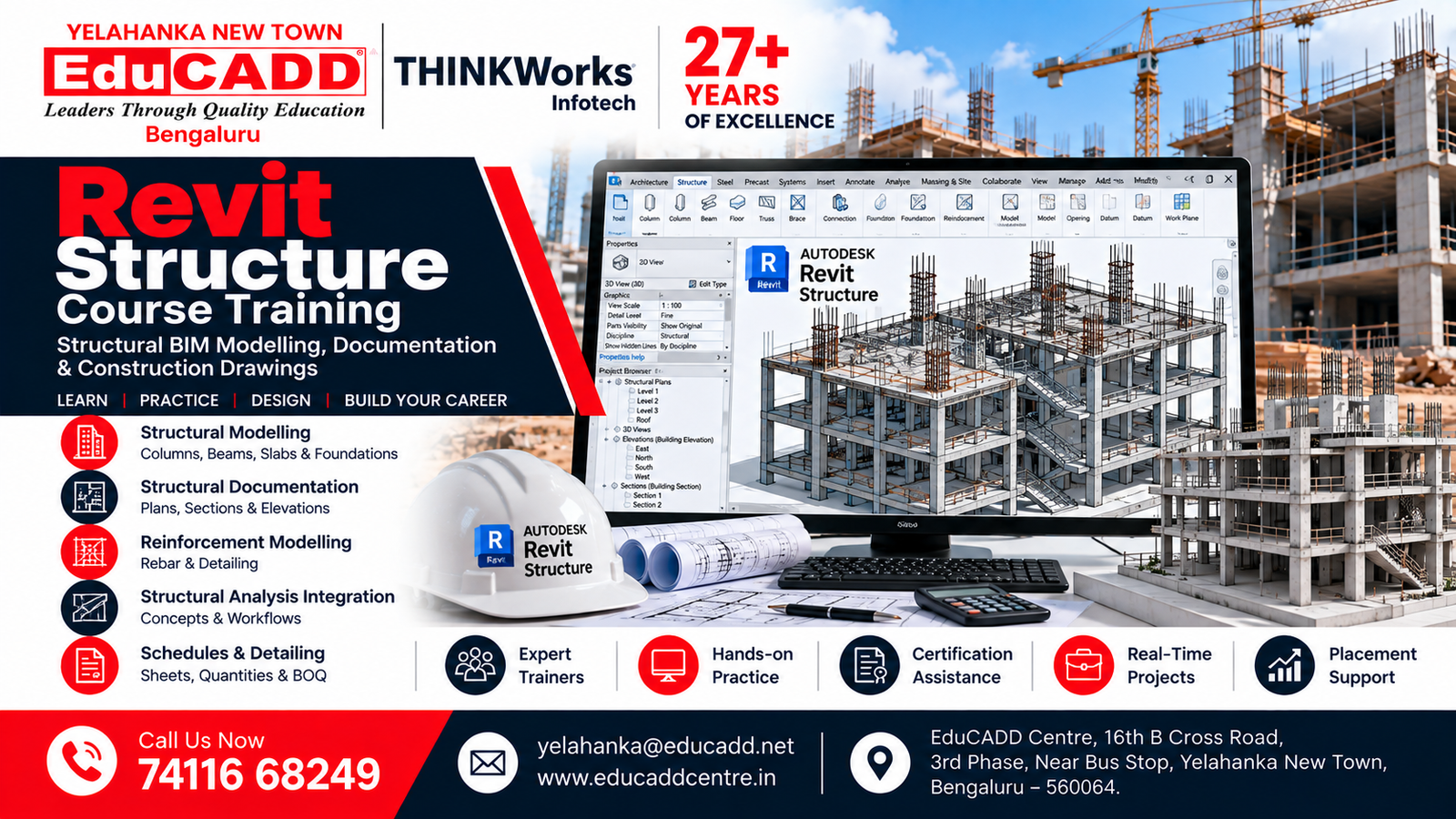
Revit Structure Course
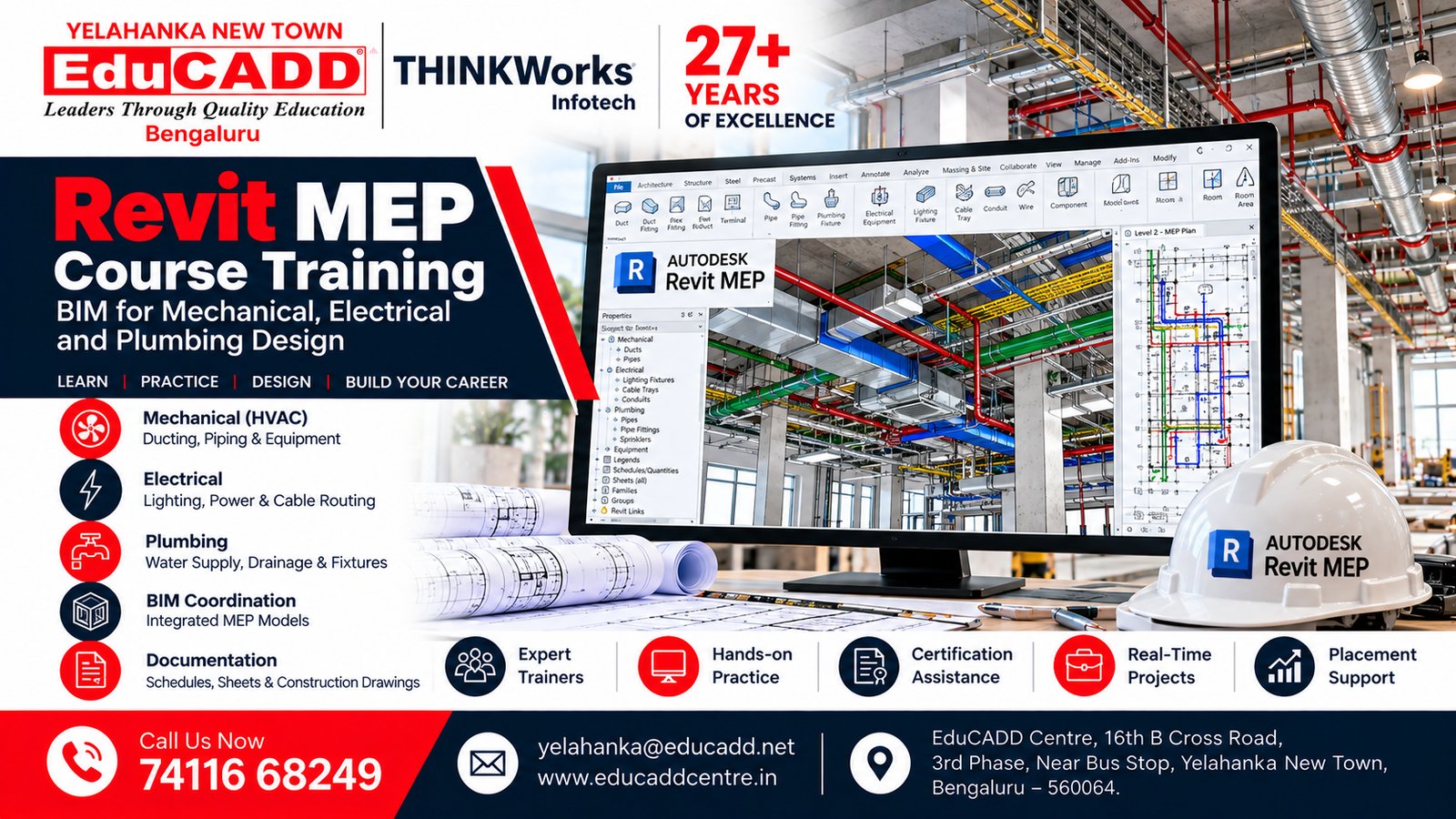
Revit MEP Course

3ds Max Course

Lumion Rendering Course

Enscape Rendering Course
E-Tabs Course
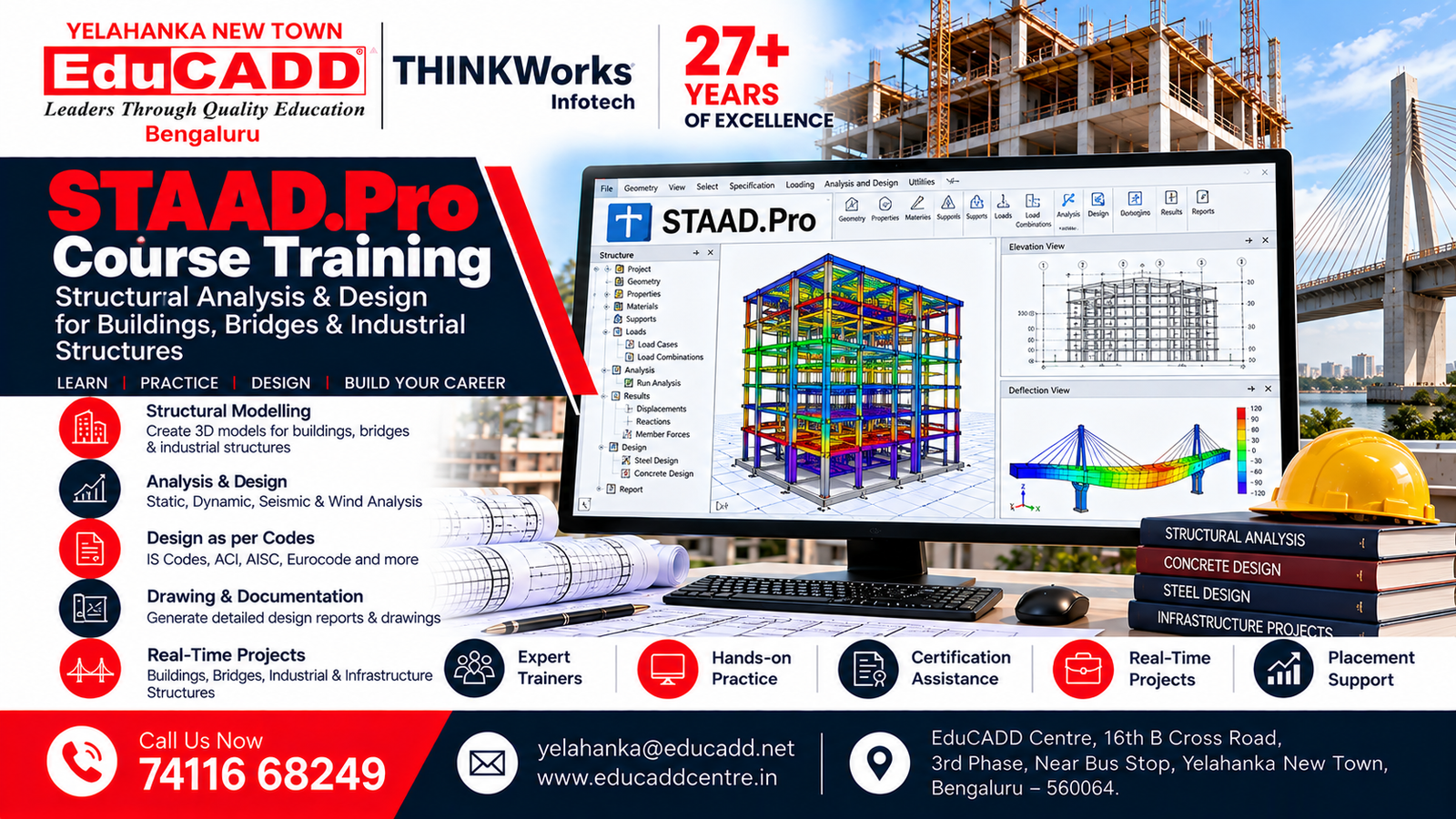
Staad Pro Course
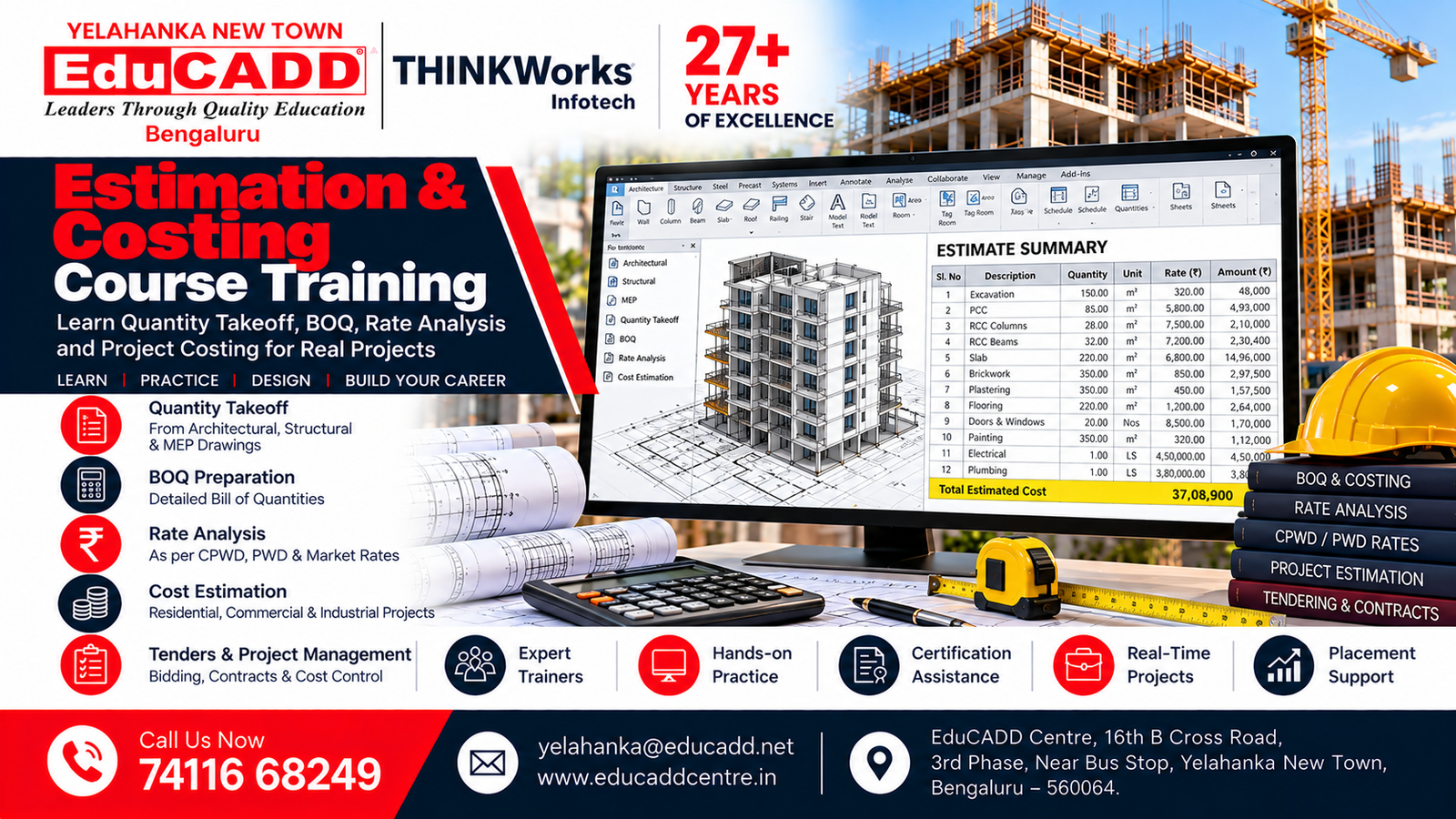
Estimation & Costing Course
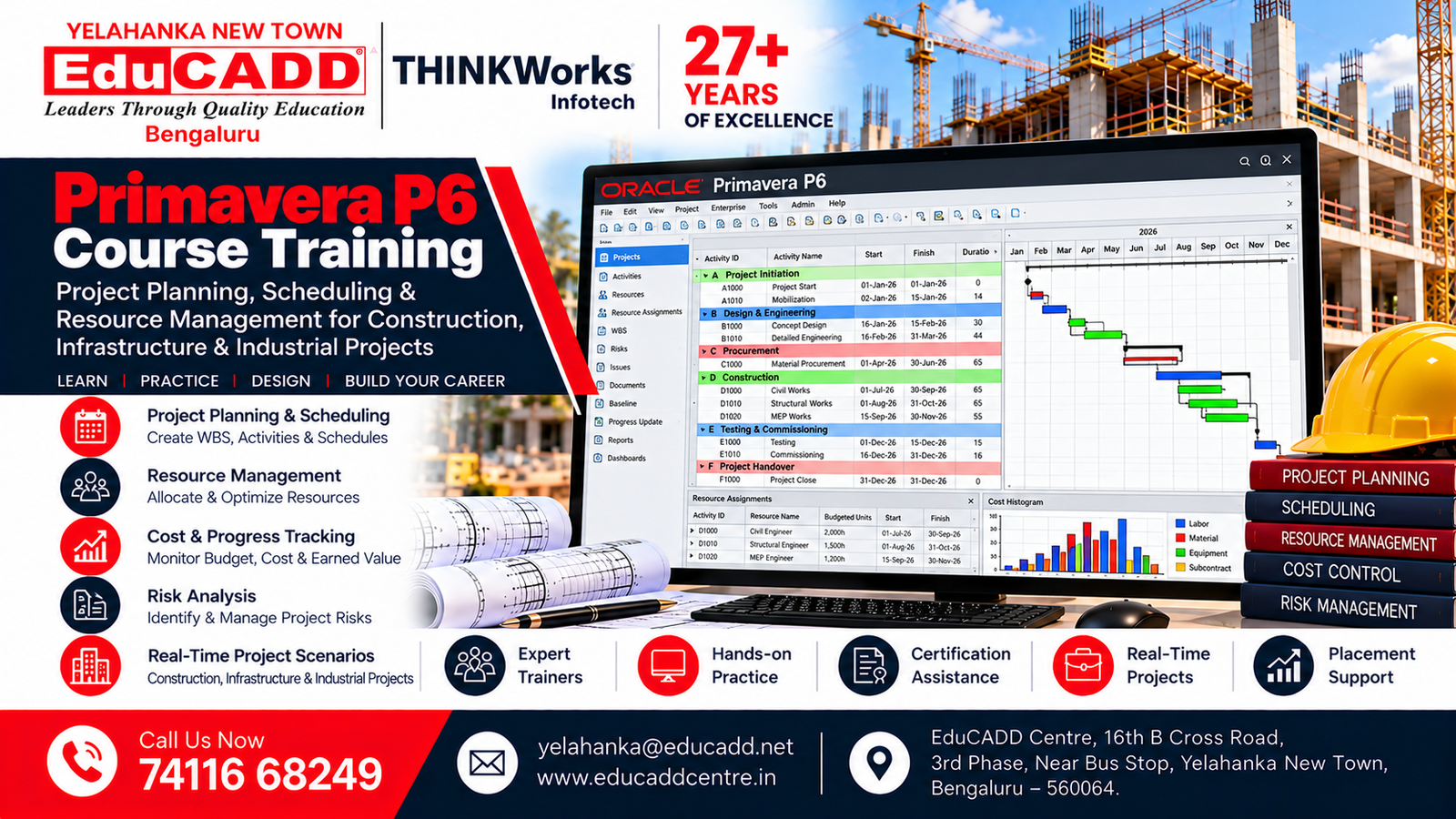
Primavera P6 Course
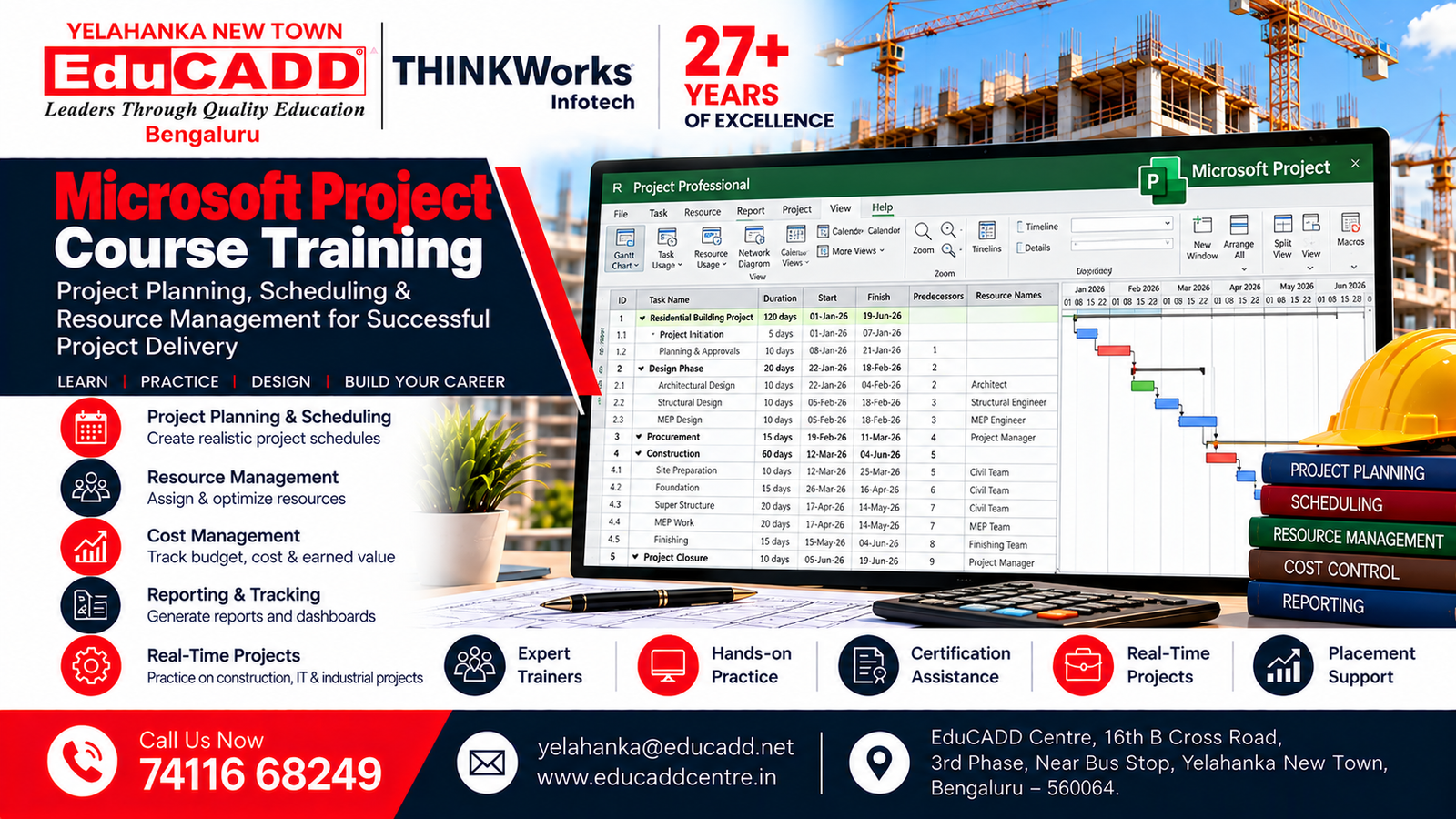
Microsoft Project Course

Photoshop Course
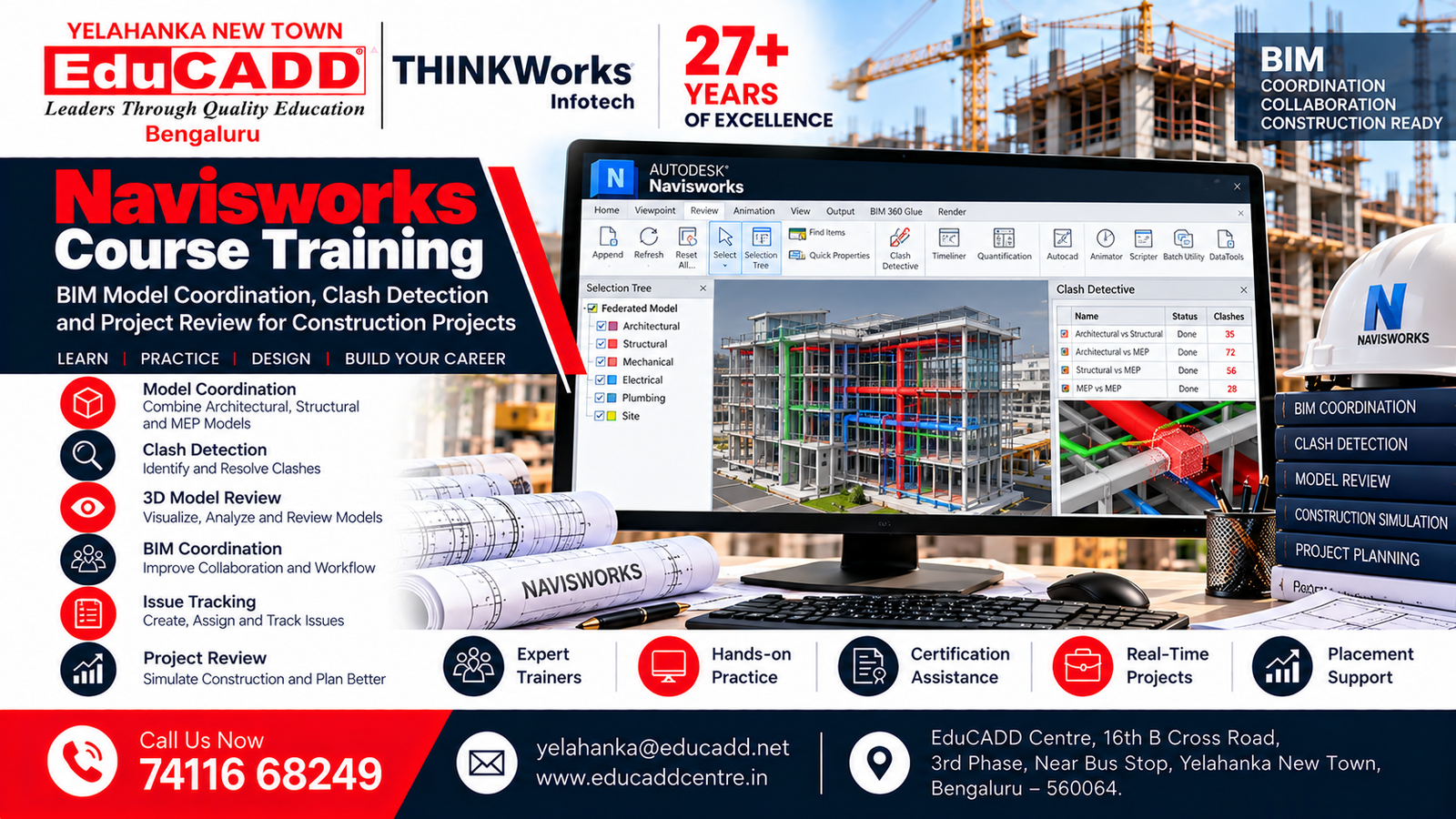
Navisworks Course

Interior Design Course
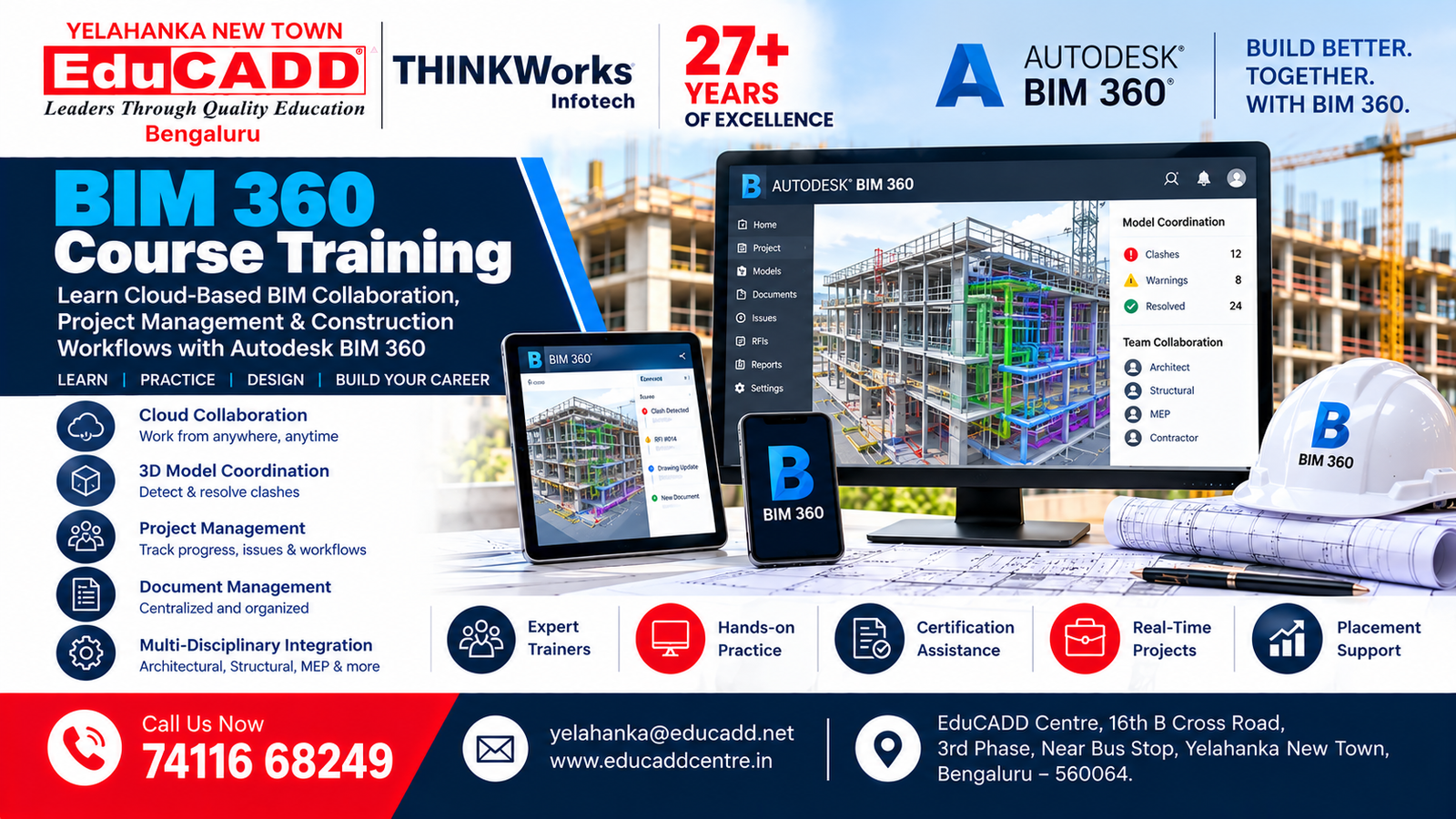
BIM 360 Course
Our Students. Their Success.
Celebrating Career Opportunities & Placement Achievements




























Why Choose EduCADD Centre Yelahanka Bangalore?
Get industry-focused training with practical learning, expert trainers, modern labs, and career-oriented support.

Industry-Focused Courses
Learn software skills aligned with current industry requirements.

Expert Trainers
Learn from experienced trainers with practical industry knowledge.

Practical Hands-On Training
Work on real projects and develop job-ready software skills.
Real-Time Projects
Build practical projects that strengthen your portfolio and confidence.
Modern Computer Labs
Practice on modern systems with a comfortable learning environment.

Flexible Batch Timings
Choose convenient weekday or weekend batches that fit your schedule.

Affordable Course Fees
Get quality professional training with budget-friendly course fees.

Internship & Placement Assistance
Get career guidance, interview preparation and placement assistance.
What Our Students Say About EduCADD Yelahanka
Frequently Asked Questions About Microsoft Office Course at EduCADD Centre Yelahanka Bangalore
Ready to Build Your Career with Industry-Ready Skills?
Join EduCADD Centre Yelahanka Bangalore for practical, industry-focused training in CAD, CADD, BIM, Interior Design, Digital Marketing and IT software.
Enquire About Our Courses
Interested in CAD, CADD, BIM, Interior Design, Digital Marketing or IT courses? Fill in your details and our team will contact you.
Explore Courses & Training at EduCADD Centre Yelahanka Bangalore
Microsoft Project Course in Bangalore, MS Project Training in Bangalore, Microsoft Project Training Institute, MS Project Classes in Bangalore, Microsoft Project Course for Beginners, Project Management Software Training, Project Planning and Management Course, MS Project Certification Training, Microsoft Project Classes Near Me, MS Project Course with Placement Assistance, Job-Oriented Project Management Training, Practical MS Project Training, Project Scheduling Course, Project Management Training for Freshers, Industry-Oriented Project Planning Classes.
Learn Microsoft Project software, project scheduling, task planning, Gantt charts, project timelines, resource allocation, workload management, project tracking, progress monitoring, project budgeting and reporting. Develop practical project management skills through hands-on exercises and real-time project planning activities at EduCADD Centre Bangalore.
Join Microsoft Project Training at EduCADD Centre Yelahanka, EduCADD Yelahanka New Town, EduCADD Centre Bangalore, EduCADD Centre Bengaluru and CADD Centre Yelahanka. Explore MS Project Classes in Yelahanka, Microsoft Project Training Near Me, Project Planning Courses in Bangalore and professional Project Management Software Training with practical learning and placement assistance.
