
Best Lumion Rendering Course Training in Yelahanka, Bangalore.
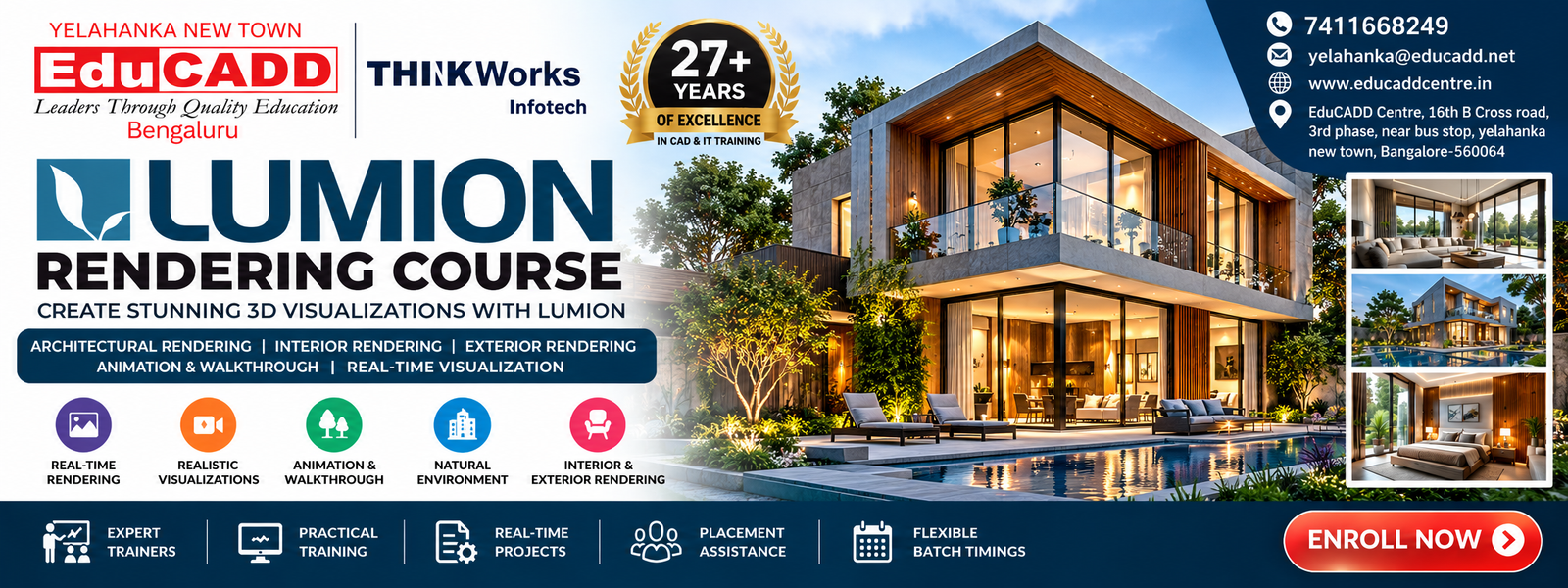
Lumion Course in Bangalore
Lumion is a powerful real-time visualization and rendering software used to create compelling architectural visualizations, interior renderings, exterior renderings, animations and walkthroughs. It helps designers transform 3D models into visually engaging presentations with realistic environments, materials, lighting and landscaping.
At EduCADD Centre Yelahanka Bangalore, the Lumion Rendering Course in Yelahanka focuses on practical visualization workflows. Students learn how to develop professional architectural and interior scenes, create realistic environments, apply materials and lighting, and prepare high-quality visual presentations.
You Will Learn
- Lumion interface and project workflow
- Importing and preparing 3D models
- Architectural visualization
- Interior and exterior rendering
- Materials and textures
- Lighting and environment setup
- Landscape and natural environment creation
- Camera composition
- Real-time visualization
- Animation and walkthrough creation
- Rendering and presentation
- Practical architectural visualization projects
The course is suitable for students, architects, civil professionals, interior designers, 3D designers and working professionals looking for Lumion Training in Yelahanka, Bangalore.
Why Learn Lumion?
Learning Lumion can help you transform 3D models into engaging architectural and interior visualizations. At EduCADD Centre Yelahanka Bangalore, the Lumion Training in Yelahanka focuses on practical visualization and rendering workflows.
Key Benefits of Learning Lumion
- Real-Time Visualization — Quickly develop and present 3D scenes.
- Architectural Rendering — Create attractive visual presentations of buildings.
- Interior Rendering — Visualize interior spaces with materials, lighting and furniture.
- Exterior Rendering — Present buildings with realistic surroundings and environments.
- Materials & Textures — Apply and customize materials for different surfaces.
- Lighting & Environment — Create suitable lighting, weather and environmental effects.
- Landscape Visualization — Add vegetation, terrain and natural surroundings.
- Animation & Walkthroughs — Create animated presentations and walkthroughs.
- Professional Presentation — Develop presentation-ready architectural visualizations.
- Practical Project Skills — Apply Lumion workflows through real-time project learning.
The Lumion Rendering Course in Yelahanka, Bangalore is suitable for learners who want to develop practical skills in architectural visualization, interior rendering, exterior rendering, animation and real-time 3D presentation.
Lumion Course Modules
Module 1: Lumion Fundamentals
- Introduction to Lumion
- User interface and navigation
- Project setup
- Scene management
- Importing 3D models
- Basic visualization workflow
Module 2: 3D Model Import & Scene Development
- Importing architectural models
- Model positioning and organization
- Building scene composition
- Working with model elements
- Developing complete visualization scenes
Module 3: Materials & Textures
- Applying materials
- Material customization
- Texture mapping
- Glass, wood, stone and other surface finishes
- Realistic material presentation
Module 4: Environment & Landscape
- Terrain development
- Vegetation and trees
- Landscape elements
- Natural surroundings
- Outdoor environment creation
- Scene enhancement
Module 5: Lighting & Atmosphere
- Lighting setup
- Day and night scenes
- Natural lighting
- Environmental effects
- Weather and atmosphere
- Scene mood and presentation
Module 6: Architectural & Interior Rendering
- Exterior architectural visualization
- Interior visualization
- Camera composition
- Realistic scene development
- Rendering workflow
- Presentation-ready views
Module 7: Animation & Walkthrough
- Camera animation
- Scene movement
- Architectural walkthroughs
- Interior walkthroughs
- Animation setup
- Presentation animation
Module 8: Practical Lumion Project
- Complete architectural visualization project
- Model import and scene setup
- Materials and textures
- Landscape and environment
- Lighting and atmosphere
- Camera views
- Rendering
- Animation and final presentation
The Lumion Rendering Course in Yelahanka, Bangalore at EduCADD Centre focuses on practical learning and project-based workflows for architectural visualization, interior rendering, exterior rendering and real-time presentation.
What You Will Learn
After completing the Lumion Rendering Course in Yelahanka, Bangalore, you will develop practical skills for creating professional architectural and interior visualizations.
Skills You Will Develop
- Understand the Lumion interface and workflow
- Import and organize 3D models
- Develop complete architectural visualization scenes
- Create interior and exterior environments
- Apply realistic materials and textures
- Develop landscapes and natural surroundings
- Set up lighting and atmospheric effects
- Create professional camera views
- Produce realistic architectural renderings
- Create interior and exterior presentations
- Develop animation and walkthrough sequences
- Prepare presentation-ready visualizations
- Work on practical architectural visualization projects
- Present completed projects professionally
The Lumion Training in Yelahanka at EduCADD Centre focuses on hands-on learning to help students build practical skills in real-time rendering, architectural visualization, interior rendering, exterior rendering and walkthrough creation.
Practical Lumion Training & Real-Time Projects
At EduCADD Centre Yelahanka Bangalore, the Lumion Training in Yelahanka focuses on practical, project-based learning so students can apply their visualization skills to realistic architectural and interior projects.
Practical Training Includes
- Importing and preparing 3D architectural models
- Creating complete visualization scenes
- Developing interior and exterior environments
- Applying realistic materials and textures
- Creating landscapes and natural surroundings
- Setting up lighting and atmospheric effects
- Creating professional camera views
- Developing architectural renderings
- Creating interior and exterior presentations
- Producing walkthroughs and animations
- Preparing final presentation-ready visuals
Real-Time Project Learning
Students work through a complete visualization workflow, starting with 3D model import and scene development and progressing through materials, environment, lighting, camera setup, rendering, animation and final presentation.
This practical approach helps learners develop job-oriented skills in Lumion rendering, architectural visualization, interior visualization, exterior rendering and 3D walkthrough creation.
Lumion Applications
Lumion is widely used to create professional visual presentations for architecture, interior design, landscaping and 3D visualization projects.
Key Applications of Lumion
- Architectural Visualization — Present residential and commercial building designs in 3D.
- Interior Visualization — Create realistic visual presentations of interior spaces.
- Exterior Rendering — Visualize buildings with realistic surroundings and environments.
- Landscape Visualization — Develop gardens, vegetation, terrain and outdoor environments.
- Real-Time Rendering — Quickly develop and review visual scenes.
- Material Visualization — Present different architectural and interior finishes.
- Lighting Visualization — Show designs under different lighting and environmental conditions.
- Architectural Walkthroughs — Create animated walkthroughs for design presentations.
- Design Presentations — Produce attractive visuals for clients and project discussions.
- Project Visualization — Transform 3D models into presentation-ready architectural scenes.
The Lumion Rendering Course in Yelahanka, Bangalore at EduCADD Centre helps learners develop practical skills for architectural rendering, interior visualization, exterior visualization, landscaping, animation and professional 3D presentations.
Career Opportunities After Lumion Training
Practical Lumion skills can help learners explore opportunities in architectural visualization, interior visualization, 3D rendering, landscaping and design presentation.
Potential Career Roles
- Architectural 3D Visualizer
- 3D Visualizer
- Architectural Visualization Artist
- Interior 3D Visualizer
- 3D Rendering Artist
- Architectural Visualization Designer
- Interior Visualization Designer
- 3D Visualization Artist
- Architectural Rendering Professional
- Landscape Visualization Artist
- 3D Walkthrough Artist
- Visualization Project Assistant
- 3D Design Assistant
- Junior 3D Visualization Artist
- Architectural Presentation Specialist
The Lumion Course in Yelahanka, Bangalore at EduCADD Centre focuses on practical project skills that can help learners build a professional portfolio for opportunities in architectural visualization, interior rendering, exterior rendering and 3D presentation.
Career & Placement Support
At EduCADD Centre Yelahanka Bangalore, our Lumion Training in Yelahanka combines practical visualization training with career-oriented guidance to help students prepare for opportunities in architectural visualization, interior rendering and 3D design.
Career Support Includes
- Practical Lumion project experience
- Architectural visualization portfolio guidance
- Interior and exterior rendering projects
- Resume preparation support
- Technical interview preparation
- Guidance on suitable career roles
- Support for freshers and working professionals
- Industry-oriented project learning
- Career guidance based on individual skills
- Placement assistance and interview opportunities
Students can develop portfolios featuring architectural renderings, interior visualizations, exterior scenes, landscapes, walkthroughs and presentation-ready projects.
With 27+ years of training experience, EduCADD Centre Yelahanka focuses on practical, career-oriented learning and helps students prepare for relevant opportunities in the 3D visualization and design industry.
Start Your Lumion Learning Journey
Build practical Lumion rendering and architectural visualization skills in Yelahanka, Bangalore with project-based training at EduCADD Centre Yelahanka.
Learn real-time visualization, architectural rendering, interior rendering, exterior visualization, materials, lighting, landscaping, animation and walkthrough creation through practical project workflows.
Whether you are a beginner, architecture student, civil engineering student, interior design learner, 3D designer or working professional, our Lumion Rendering Course in Yelahanka is designed to help you develop practical and career-oriented visualization skills.
Why Choose EduCADD Centre Yelahanka?
- 27+ years of training experience
- Practical Lumion rendering training
- Real-time project-based learning
- Expert trainer guidance
- Modern computer lab
- Flexible batch timings
- Portfolio development guidance
- Career guidance and placement assistance
- Convenient location in Yelahanka New Town, Bangalore
Looking for Lumion courses near me or Lumion training near me? Start your professional architectural visualization journey with EduCADD Centre Yelahanka Bangalore.
Civil CADD Courses & Software
Learn industry-relevant Civil CADD software through practical training, guided exercises, and real-time projects. Our courses cover architectural design, structural modelling, MEP coordination, visualization, analysis, and construction project workflows.
Civil AutoCAD Course
SketchUp Course Training
V-Ray Course Training
Revit Architecture Course
Revit Structure Course
Revit MEP Course
3ds Max Course
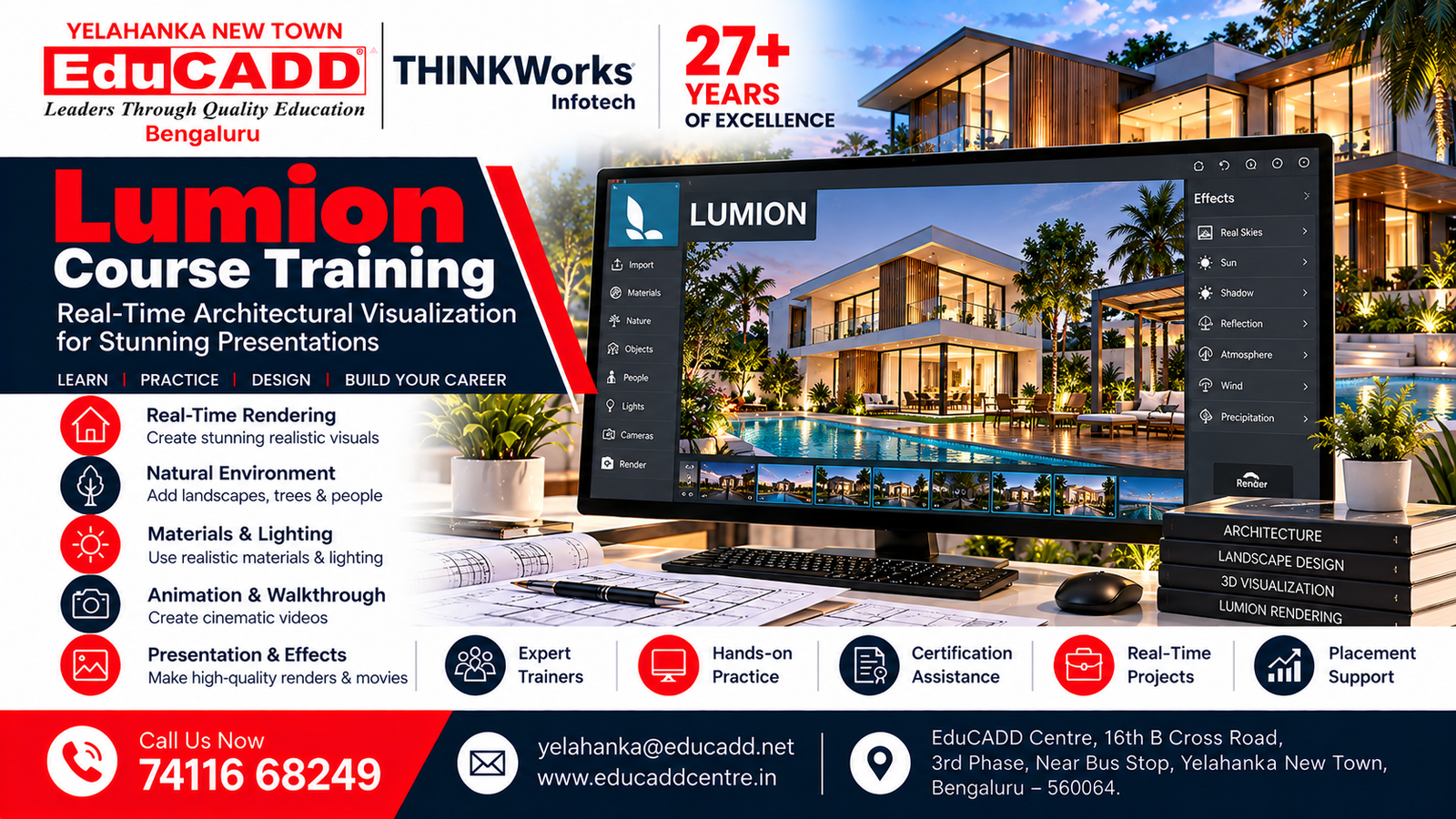
Lumion Rendering Course
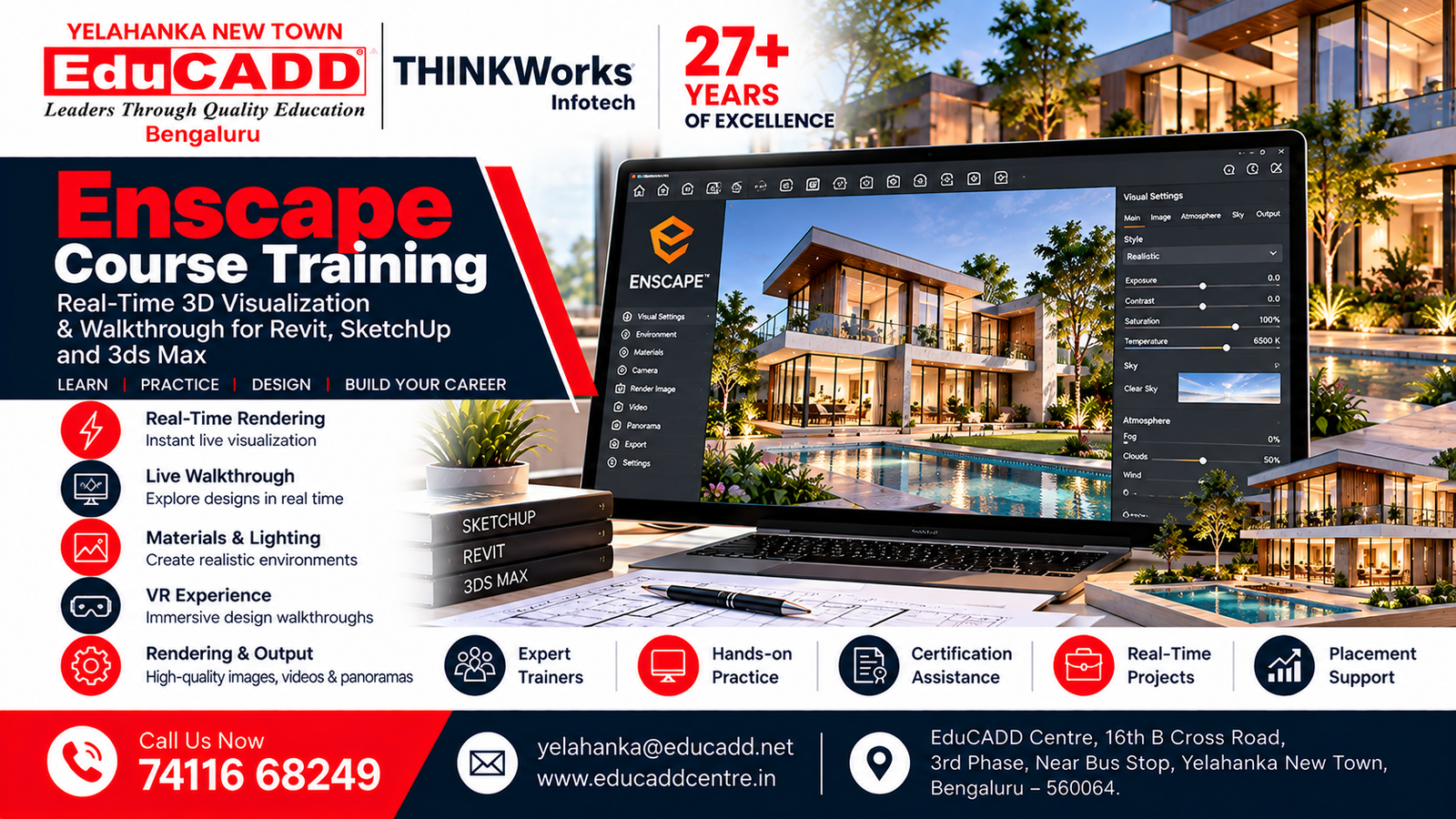
Enscape Rendering Course
E-Tabs Course
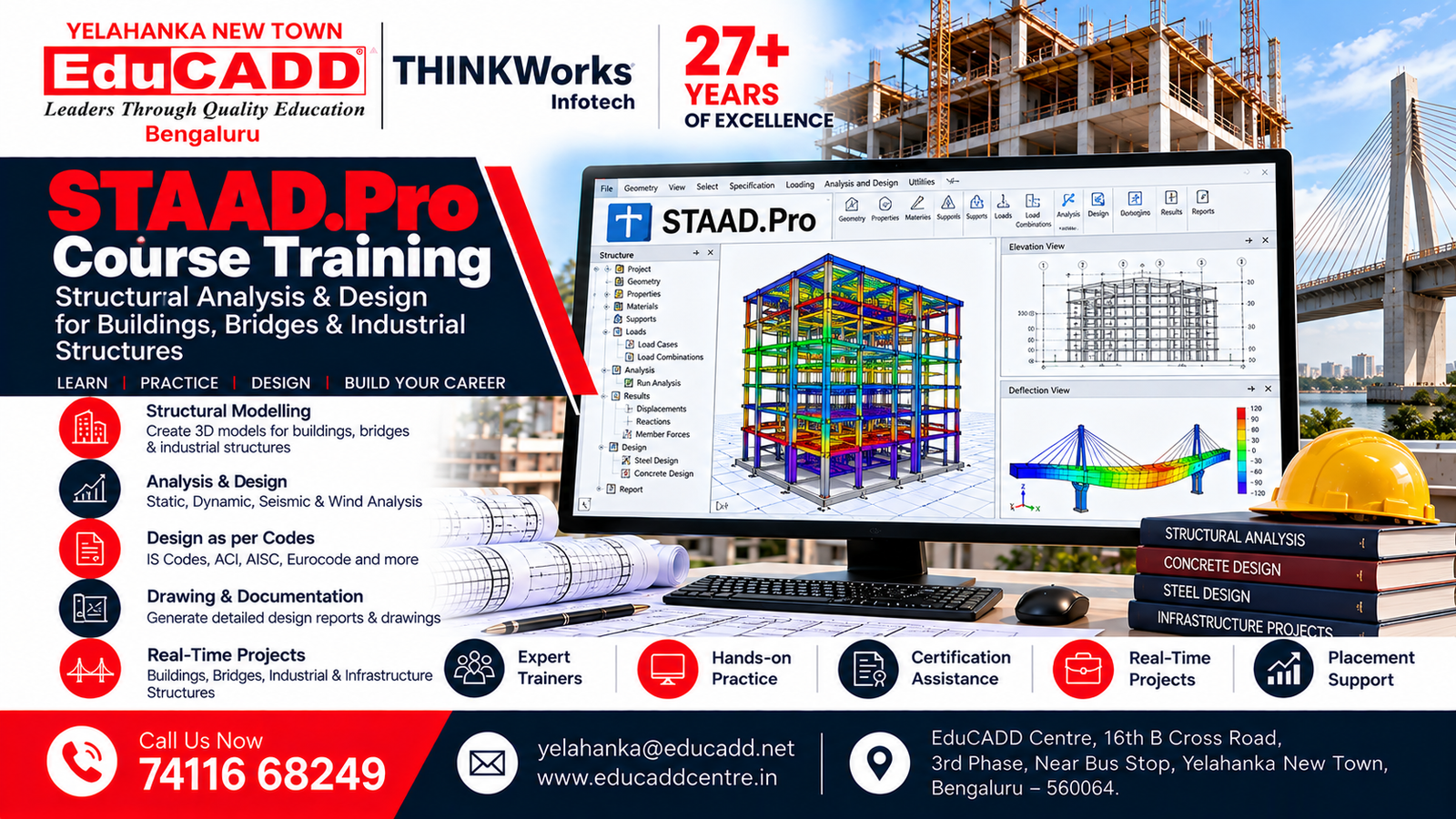
Staad Pro Course
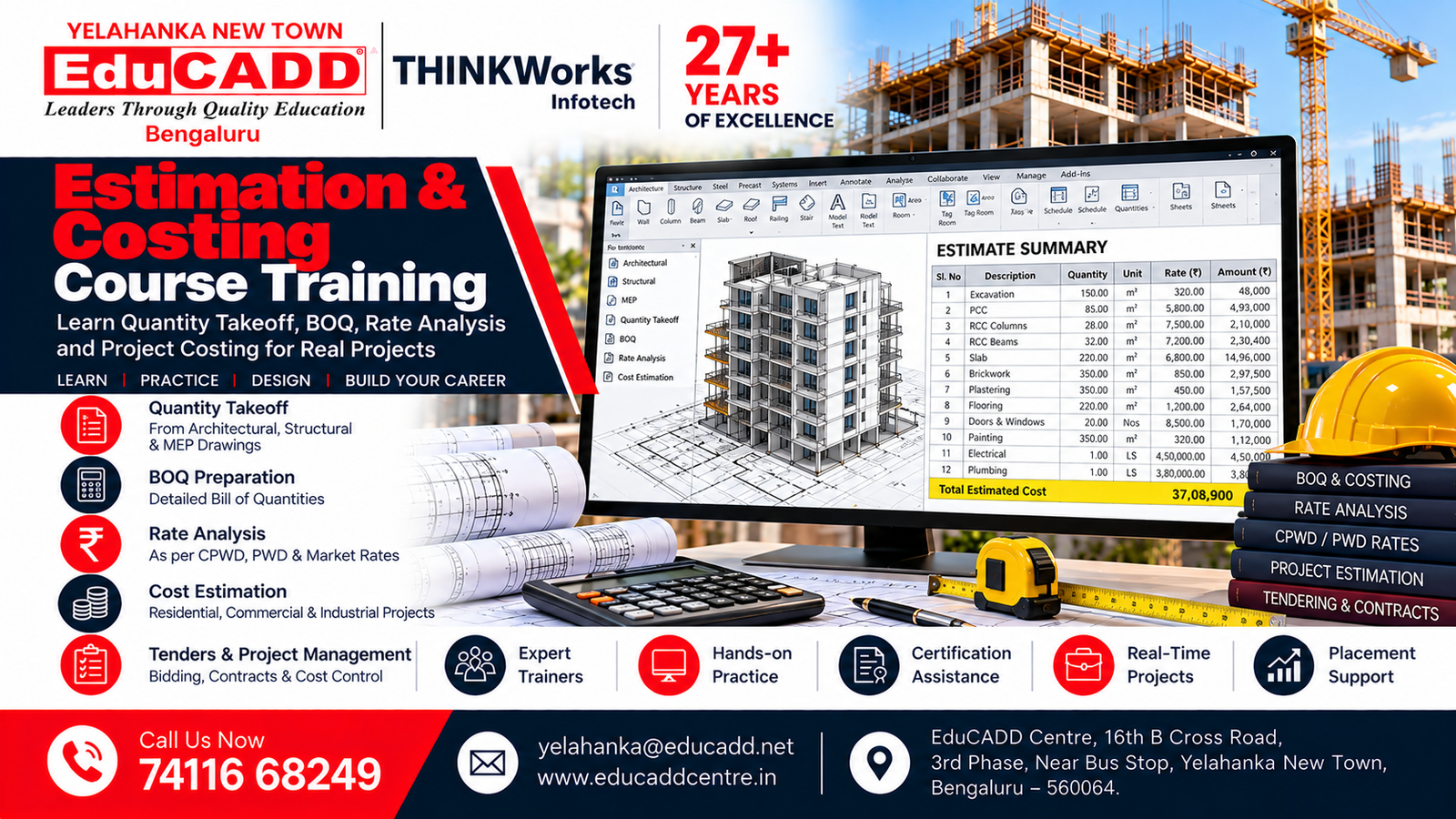
Estimation & Costing Course
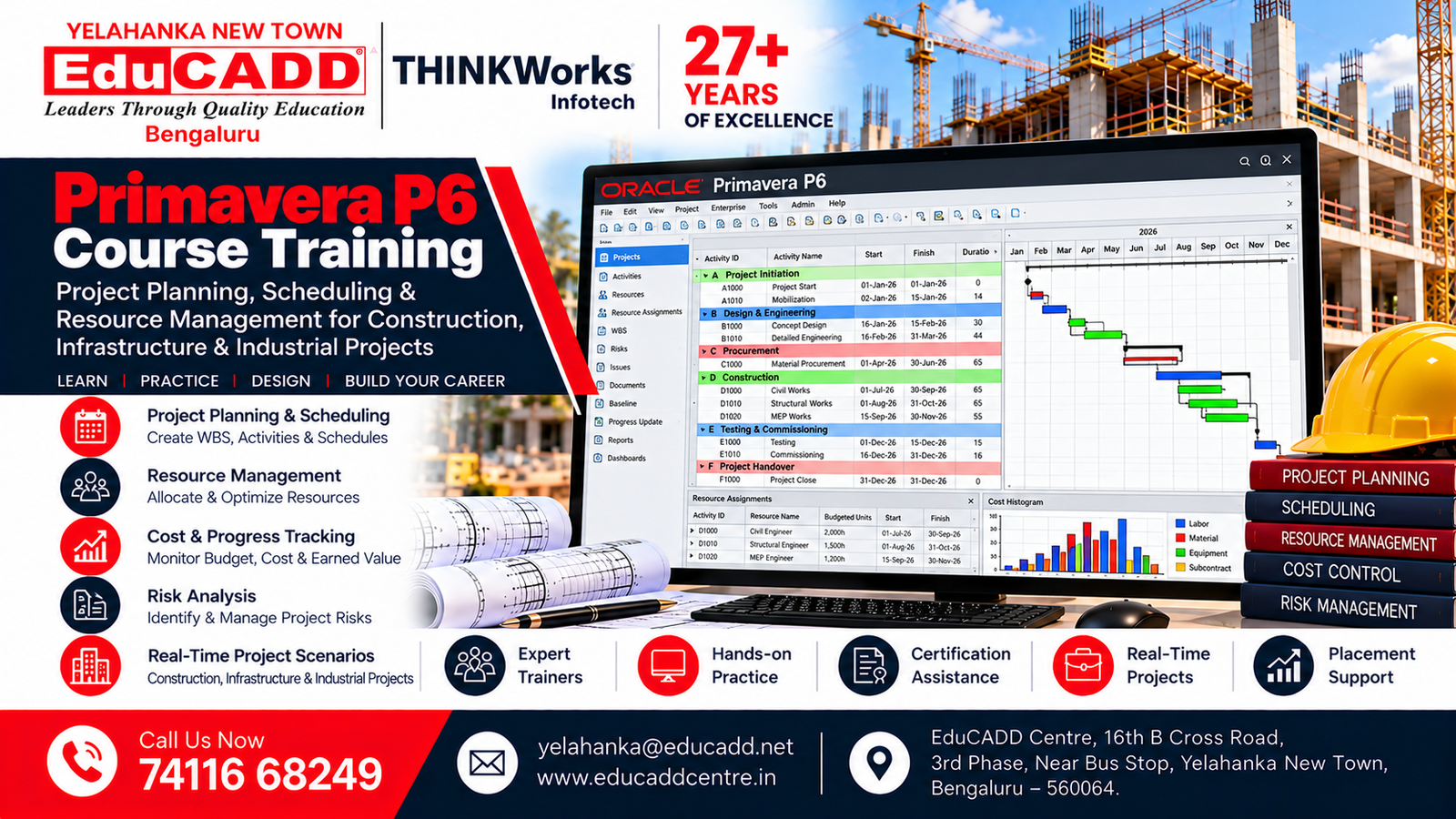
Primavera P6 Course
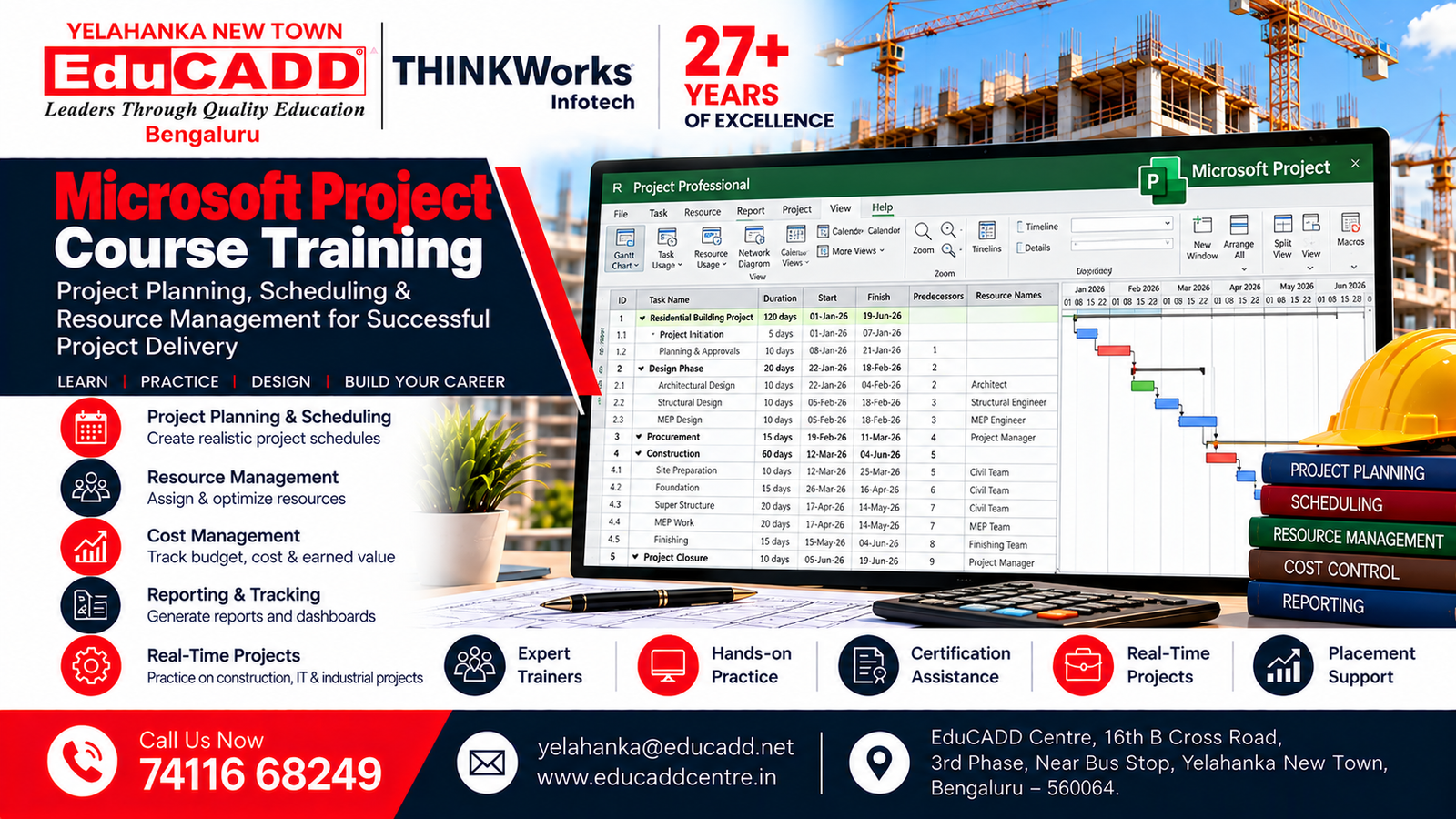
Microsoft Project Course
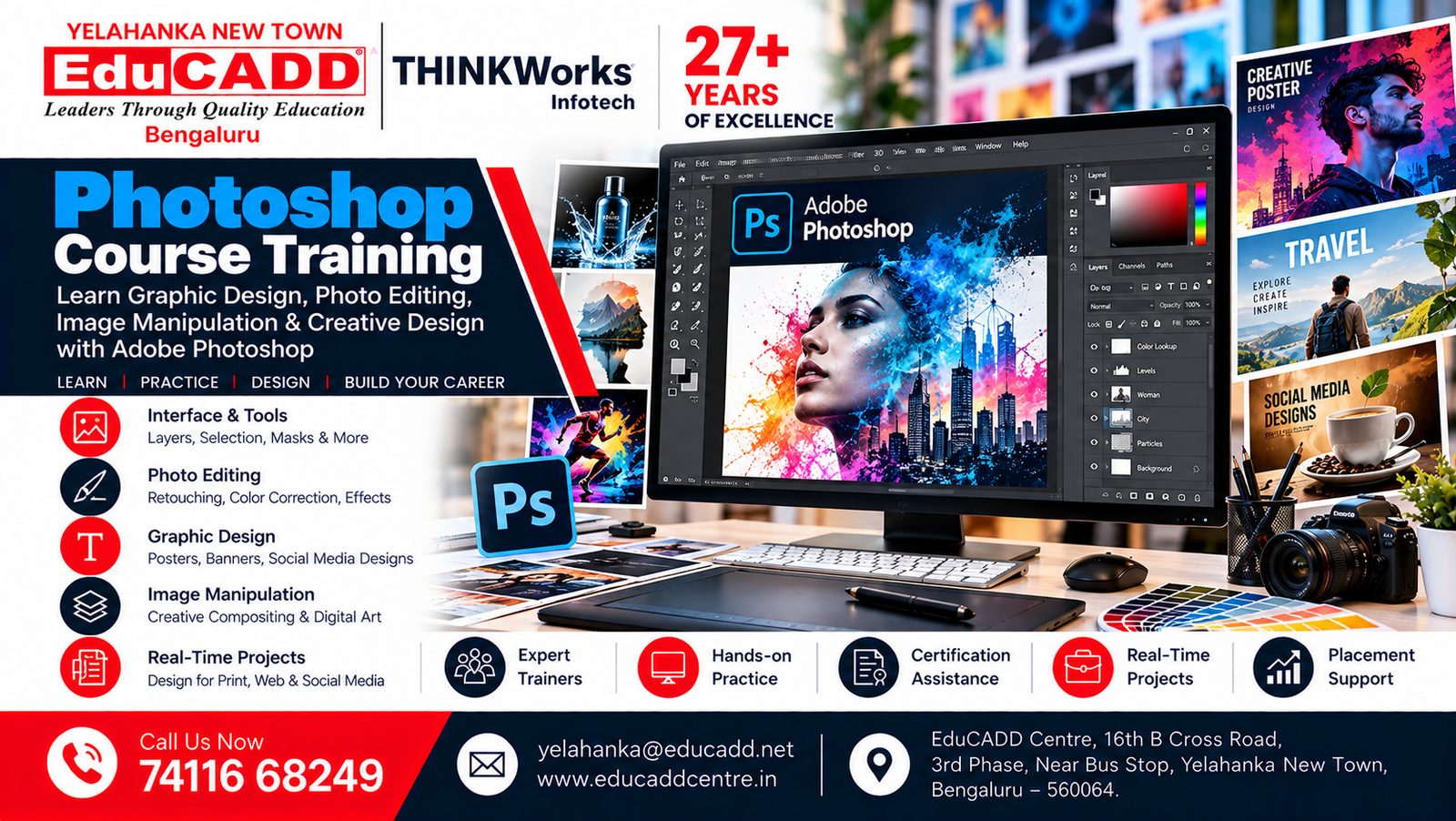
Photoshop Course
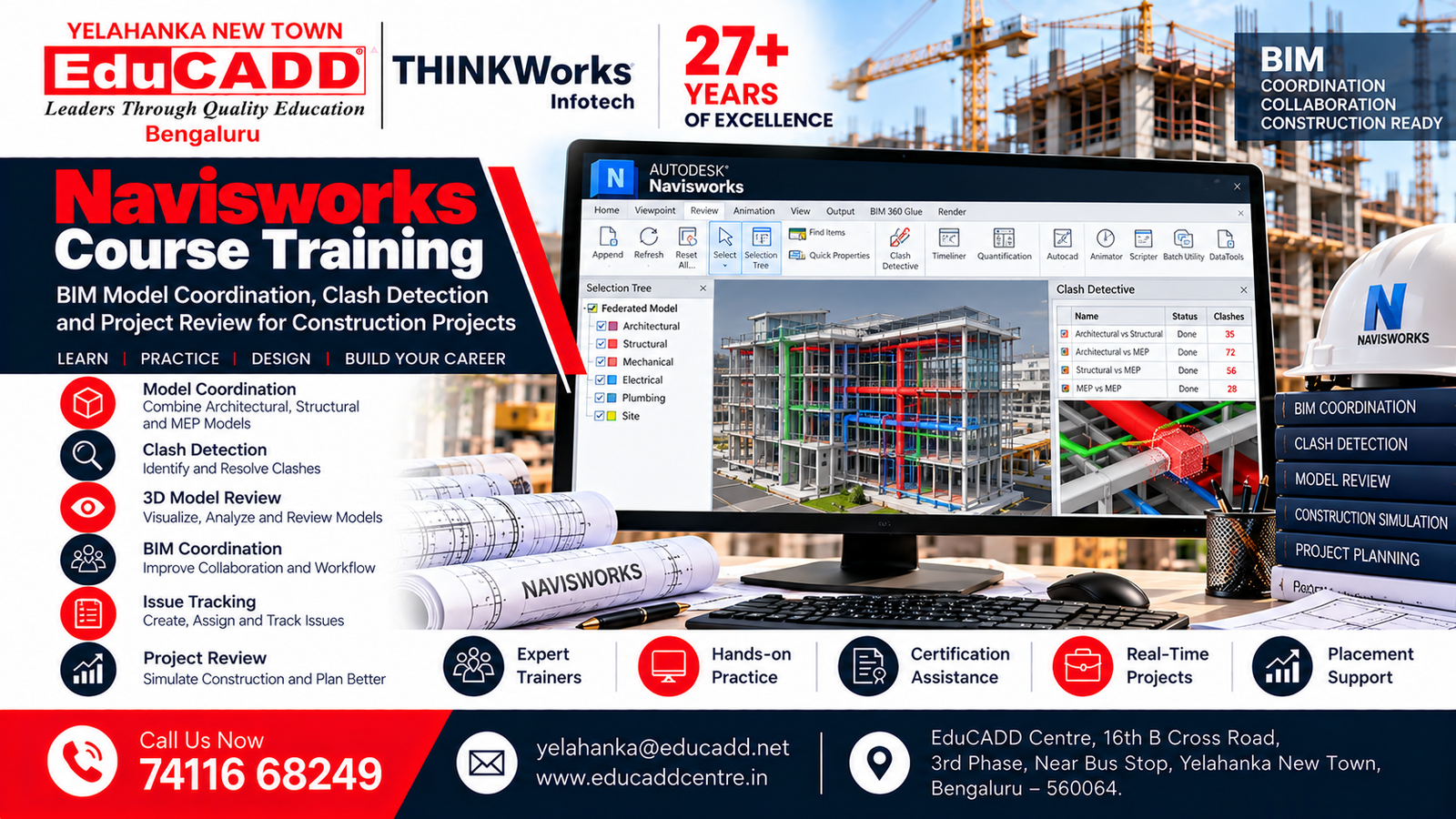
Navisworks Course
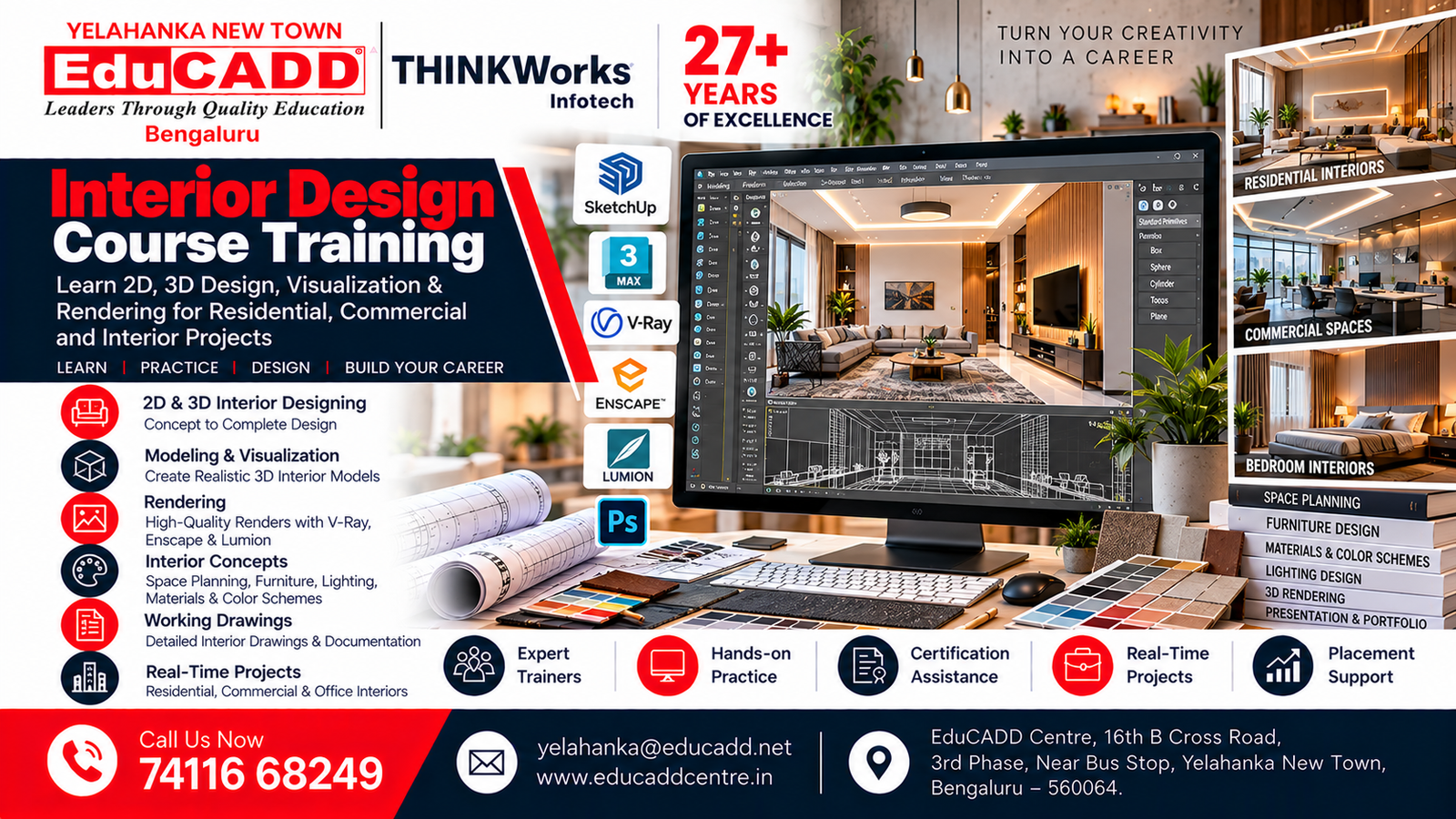
Interior Design Course
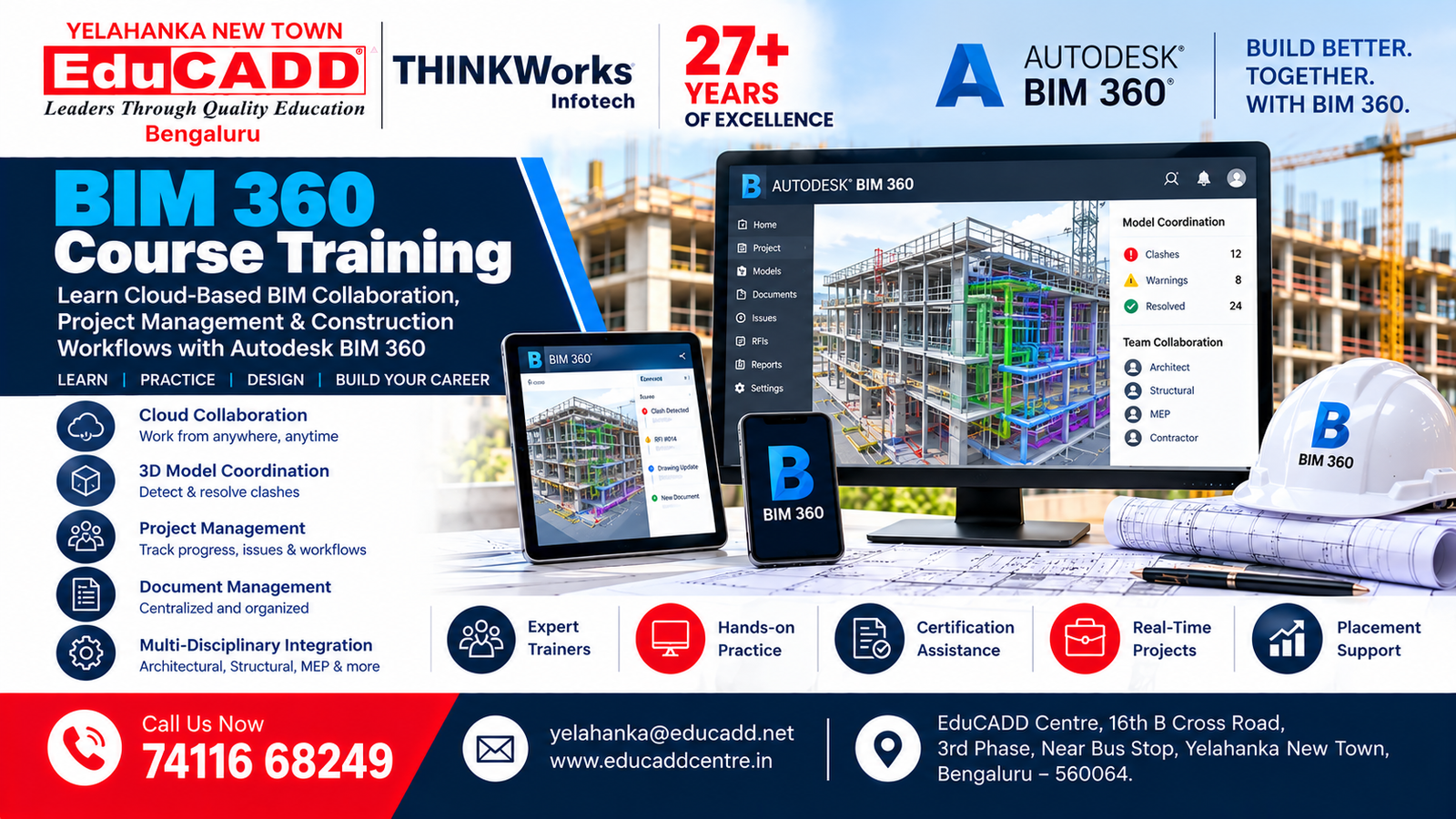
BIM 360 Course
Our Students. Their Success.
Celebrating Career Opportunities & Placement Achievements

Why Choose EduCADD Centre Yelahanka Bangalore?
Get industry-focused training with practical learning, expert trainers, modern labs, and career-oriented support.

Industry-Focused Courses
Learn software skills aligned with current industry requirements.

Expert Trainers
Learn from experienced trainers with practical industry knowledge.

Practical Hands-On Training
Work on real projects and develop job-ready software skills.
Real-Time Projects
Build practical projects that strengthen your portfolio and confidence.
Modern Computer Labs
Practice on modern systems with a comfortable learning environment.

Flexible Batch Timings
Choose convenient weekday or weekend batches that fit your schedule.

Affordable Course Fees
Get quality professional training with budget-friendly course fees.

Internship & Placement Assistance
Get career guidance, interview preparation and placement assistance.
What Our Students Say About EduCADD Yelahanka
Frequently Asked Questions About Lumion Course Training at EduCADD Centre Yelahanka Bangalore
Ready to Build Your Career with Industry-Ready Skills?
Join EduCADD Centre Yelahanka Bangalore for practical, industry-focused training in CAD, CADD, BIM, Interior Design, Digital Marketing and IT software.
Enquire About Our Courses
Interested in CAD, CADD, BIM, Interior Design, Digital Marketing or IT courses? Fill in your details and our team will contact you.
Explore Courses & Training at EduCADD Centre Yelahanka Bangalore
Lumion Course, Lumion Training, Lumion Classes, Lumion Institute, Lumion Training Institute, Lumion Training Centre, Lumion Course Near Me, Lumion Training Near Me, Lumion Classes Near Me, Lumion Institute Near Me, Lumion Course in Bangalore, Lumion Training in Bangalore, Lumion Classes in Bangalore, Lumion Course in Bengaluru, Lumion Training in Bengaluru, Lumion Course in Yelahanka, Lumion Training in Yelahanka, Lumion Course in Yelahanka New Town, Lumion Training in Yelahanka New Town, Best Lumion Training Institute in Bangalore, Lumion Rendering Course, Lumion 3D Visualization Course.
Lumion Course with Placement, Lumion Training with Placement, Lumion Certification Course, Job-Oriented Lumion Course, Practical Lumion Training, Lumion Course for Beginners, Lumion Training for Freshers, Advanced Lumion Training, Industry-Oriented Lumion Training, Lumion Architectural Visualization Course, Lumion Interior Rendering Course, Lumion Exterior Rendering Course, Lumion 3D Rendering Course, Lumion Real-Time Rendering Training, Lumion Landscape Design Course, Lumion Lighting and Materials Training, Lumion Texture Training, Lumion Animation Course, Lumion Walkthrough Course, Lumion Video Rendering Training,
Lumion Architectural Presentation Course, 3D Architectural Rendering Course, Interior Rendering Course, Exterior Rendering Course, Architectural Visualization Training, Real-Time 3D Visualization Course, 3D Walkthrough Training, Architectural Animation Course, Interior Design Visualization Course, Landscape Visualization Training, Real-Time Rendering Projects.EduCADD Centre Yelahanka, EduCADD Yelahanka New Town, EduCADD Centre Bangalore, EduCADD Centre Bengaluru, CADD Centre Yelahanka, CADD Courses Near Me, CADD Training Near Me, CADD Courses in Bangalore, CADD Courses with Placement, Interior Design Courses, Interior
Design Training in Bangalore, SketchUp Course, SketchUp Training, V-Ray Course, V-Ray Training, Enscape Course, Enscape Training, 3ds Max Course, 3ds Max Training, Revit Architecture Course, Revit Training, BIM Course, BIM 360 Course, Architectural Visualization Course, 3D Modelling Course, Architectural Rendering Course, Interior Design Software Training, Civil CADD Courses, Mechanical CADD Courses, Electrical CADD Courses, AutoCAD Course, Engineering Courses Near Me, Technical Training Institute in Yelahanka and professional architectural and interior design training with practical projects, certification and placement assistance at EduCADD Centre Yelahanka New Town.
