
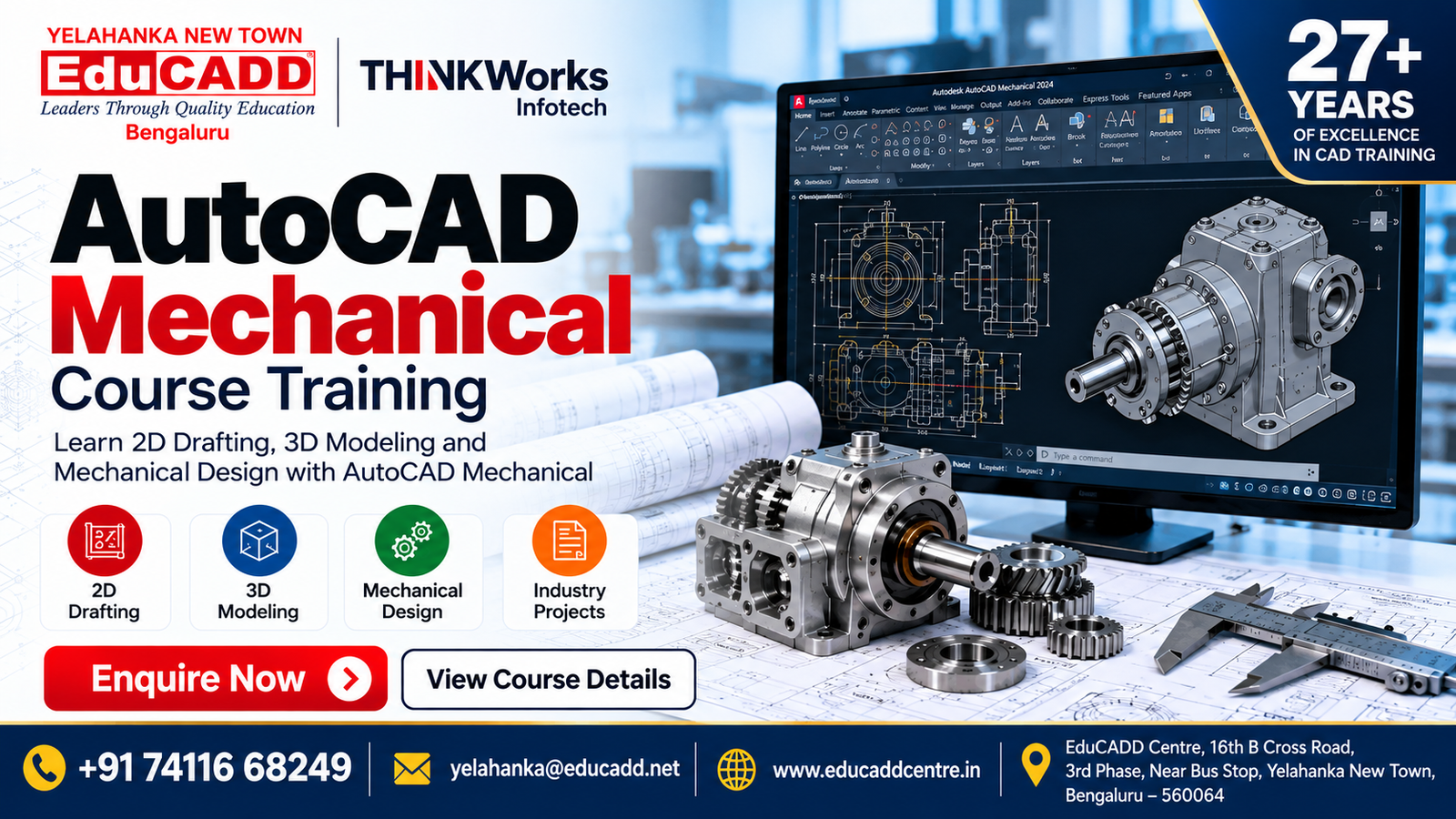
AutoCAD Mechanical Course in Yelahanka, Bangalore
Introduction to AutoCAD Mechanical
AutoCAD Mechanical is a professional CAD software solution used for mechanical drafting, engineering drawings, component design and technical documentation. At EduCADD Centre Yelahanka Bangalore, our AutoCAD Mechanical training focuses on practical learning and industry-oriented design workflows.
The course is designed for Mechanical Engineering students, diploma students, graduates, working professionals and beginners who want to develop practical mechanical drafting and CAD skills.
Key Areas
- 2D Mechanical Drafting
- Engineering Drawings
- Mechanical Component Design
- 3D Modelling
- Assembly Drawings
- Sheet Metal Design
- Dimensions & Annotations
- GD&T Symbols
- Technical Documentation
- Practical Projects
Why Learn AutoCAD Mechanical?
AutoCAD Mechanical training helps learners develop practical skills for creating accurate mechanical drawings, components, layouts and technical documentation. The training is useful for students and professionals looking to strengthen their mechanical CAD skills and understand professional drafting workflows.
Key Benefits of Learning AutoCAD Mechanical
- Mechanical Drafting Skills – Create professional 2D mechanical drawings.
- Engineering Drawing Practice – Develop accurate drawings with dimensions, annotations and technical information.
- Mechanical Component Design – Create and modify mechanical components and design layouts.
- 3D Modelling – Develop basic 3D mechanical models and design concepts.
- Sheet Metal Design – Learn design concepts for sheet metal components.
- GD&T Knowledge – Understand geometric dimensioning and tolerancing symbols used in engineering drawings.
- Assembly Drawings – Create and work with mechanical assembly documentation.
- Practical Project Training – Apply software skills through project-based exercises.
- Career-Oriented Skills – Build a foundation for mechanical CAD and drafting roles.
AutoCAD Mechanical Course Modules
Our AutoCAD Mechanical training covers the essential tools and workflows required for professional mechanical drafting and design.
Modules Covered
- Mechanical 2D Drafting – Create accurate mechanical drawings, layouts and engineering documentation.
- Geometric Construction – Develop precise geometry using professional drafting tools.
- Mechanical Components – Create and edit commonly used mechanical design elements.
- Dimensions & Annotations – Apply dimensions, notes, symbols and drawing annotations.
- GD&T & Engineering Symbols – Understand and use geometric dimensioning and tolerancing symbols in technical drawings.
- Assembly Drawings – Prepare assembly layouts and detailed component drawings.
- Sheet Metal Design – Develop sheet metal components, bends, folds and manufacturing-oriented designs.
- 3D Mechanical Modelling – Create basic 3D mechanical components and models.
- Surface Design – Work with surface-based modelling for suitable mechanical design applications.
- Technical Documentation – Prepare clear and professional engineering drawings for design and manufacturing workflows.
- Practical Design Projects – Apply the learned tools and techniques through guided projects.
Practical Software Training
Students learn through trainer demonstrations, hands-on exercises and project-based practice, helping them develop confidence with AutoCAD Mechanical tools and mechanical drafting workflows.
What You Will Learn
The AutoCAD Mechanical course at EduCADD Centre Yelahanka focuses on developing practical mechanical drafting and design skills through structured training and project-based learning.
Key Skills You Will Develop
- Mechanical 2D Drafting – Create accurate engineering and mechanical drawings.
- Engineering Drawing Standards – Understand professional drawing practices and documentation.
- Mechanical Component Design – Create and modify mechanical components.
- 3D Mechanical Modelling – Develop basic 3D models for mechanical design applications.
- Assembly Design & Drawings – Create component assemblies and assembly documentation.
- Sheet Metal Design – Work with bends, folds, flanges and sheet metal components.
- Surface Design – Develop and edit suitable complex mechanical surfaces.
- GD&T Symbols – Understand geometric dimensioning and tolerancing symbols used in engineering drawings.
- Dimensions & Annotations – Apply accurate dimensions, notes and technical annotations.
- Technical Documentation – Prepare professional engineering drawings and design documentation.
- Practical Design Exercises – Apply the concepts through guided mechanical design exercises.
- Real-Time Project Practice – Work on project-oriented tasks to strengthen practical CAD skills.
Practical Training & Real-Time Projects
At EduCADD Centre Yelahanka Bangalore, AutoCAD Mechanical training focuses on hands-on software practice and project-based learning. Students apply their knowledge to practical mechanical drafting and design tasks.
Practical Training Includes
- Mechanical Drawing Practice – Create 2D mechanical and engineering drawings.
- Component Design – Develop practical mechanical components and detailed drawings.
- Assembly Drawing Practice – Create and document mechanical assemblies.
- Sheet Metal Exercises – Design sheet metal components with bends, folds and flanges.
- GD&T Application – Practice applying GD&T symbols and tolerances to engineering drawings.
- Dimensioning & Annotation – Prepare accurate and professional technical drawings.
- 3D Modelling Practice – Develop basic 3D mechanical models.
- Surface Design Exercises – Work with suitable surface modelling applications.
- Real-Time Project Practice – Apply AutoCAD Mechanical skills to project-oriented design tasks.
- Project Guidance – Receive trainer guidance throughout practical exercises and projects.
- Portfolio Development – Build practical drawings and projects that demonstrate your CAD skills.
Project-Based Learning
Students work through practical exercises covering mechanical drafting, component design, assemblies, sheet metal, surface design, GD&T and technical documentation, helping them build confidence for professional CAD workflows.
Career Opportunities After AutoCAD Mechanical Training
AutoCAD Mechanical skills can help learners build a foundation for careers involving mechanical drafting, CAD design, engineering documentation and mechanical product development.
Career Opportunities
- AutoCAD Mechanical Designer
- Mechanical CAD Designer
- CAD Draftsman
- Mechanical Draftsman
- CAD Engineer
- Mechanical Design Assistant
- Design Engineer
- Product Design Assistant
- 3D Modelling Designer
- Engineering Drawing & Documentation Professional
- Sheet Metal Design Assistant
- CAD Design Project Assistant
Build Your Mechanical CAD Skills
With practical knowledge of 2D drafting, mechanical component design, 3D modelling, assembly drawings, sheet metal design, surface design and GD&T, learners can develop skills relevant to mechanical design and drafting workflows.
Career & Placement Support
At EduCADD Centre Yelahanka Bangalore, our AutoCAD Mechanical training is designed to help learners become career-ready through practical software skills, project experience and professional preparation.
Our Career Support Includes
- Career Guidance – Understand suitable career paths in mechanical CAD and design.
- Resume Building – Guidance to create a professional, industry-focused resume.
- Portfolio Development – Present your CAD drawings and projects effectively.
- Interview Preparation – Prepare for technical and general interview requirements.
- Project Guidance – Build practical project experience during training.
- Internship Assistance – Guidance regarding suitable internship opportunities.
- Placement Assistance – Career-oriented assistance for suitable employment opportunities.
Become Career-Ready
Develop practical skills in AutoCAD Mechanical, 2D drafting, 3D modelling, assembly design, sheet metal, surface design and GD&T and build a stronger foundation for mechanical CAD careers.
Start Your AutoCAD Mechanical Learning Journey
Ready to develop professional mechanical CAD skills? Join EduCADD Centre Yelahanka Bangalore for practical, industry-focused AutoCAD Mechanical training designed to help you build skills in 2D drafting, mechanical design, 3D modelling, assembly drawings, sheet metal, surface design and GD&T.
Learn through experienced trainers, hands-on practice, project-based learning and career-oriented support.
Take the Next Step
Start building your AutoCAD Mechanical skills and prepare for professional CAD opportunities.
Explore our other Mechanical CAD/CAM/CAE Courses
CAD / CADD Courses
Develop professional 2D drafting, 3D modelling, product design and engineering drawing skills with industry-relevant CAD/CADD software. Our practical training covers mechanical design, drafting, assemblies, modelling, Sheet metal, surface design and real-time projects to help students and working professionals build job-ready design skills.
Courses include: AutoCAD, CATIA, SolidWorks, CREO, NX CAD and other industry-relevant CAD tools.
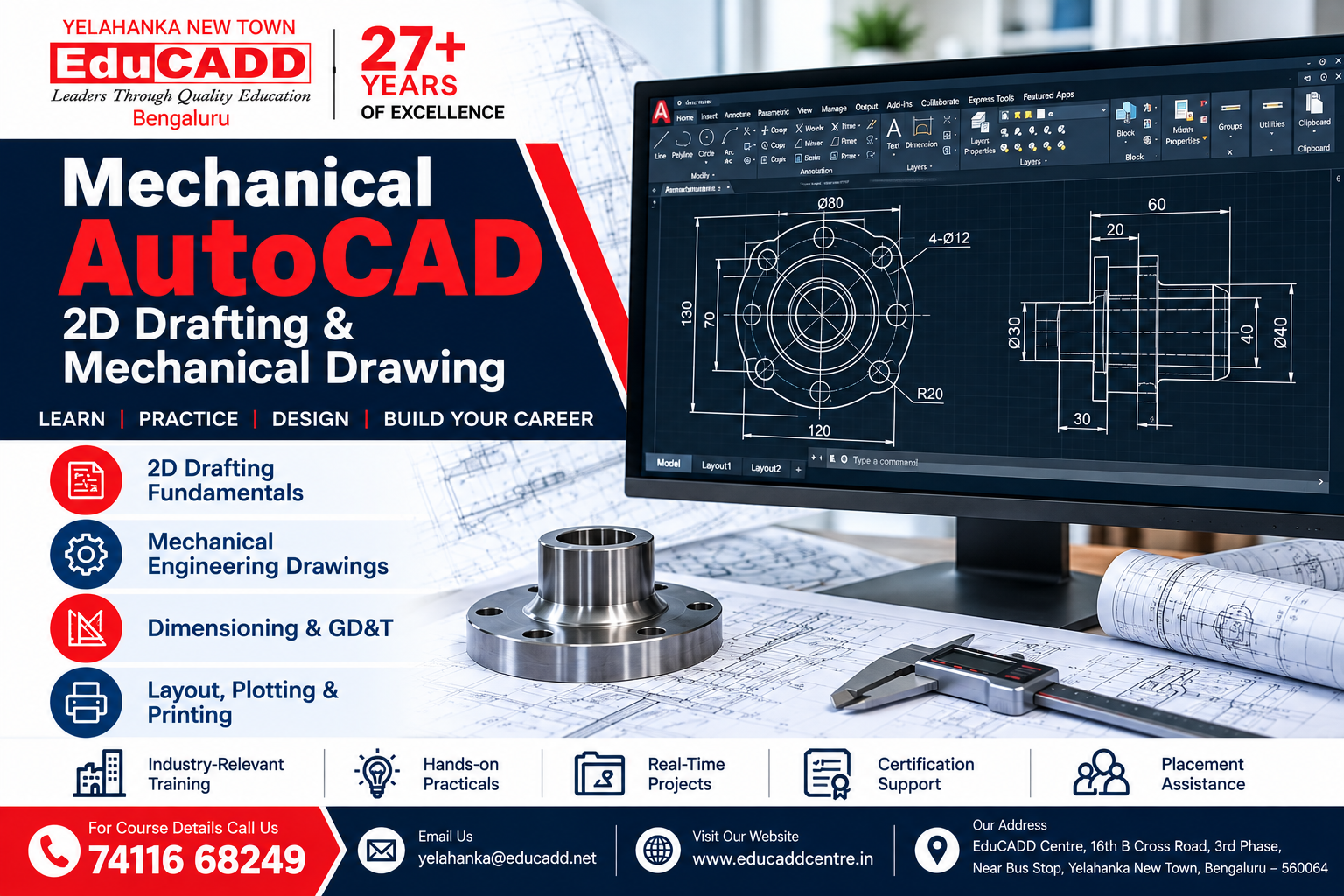
Mechanical AutoCAD Course
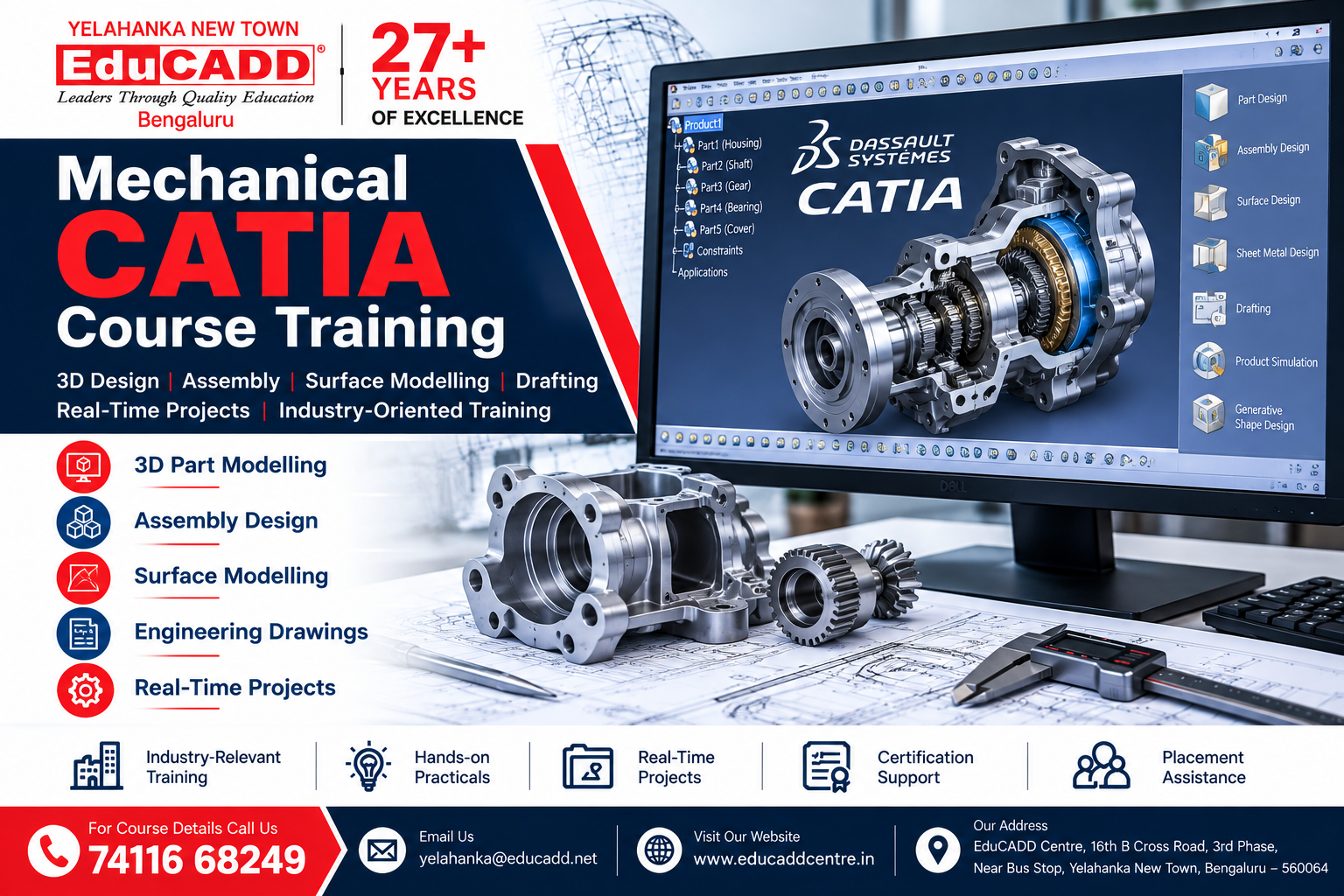
CATIA Course Training
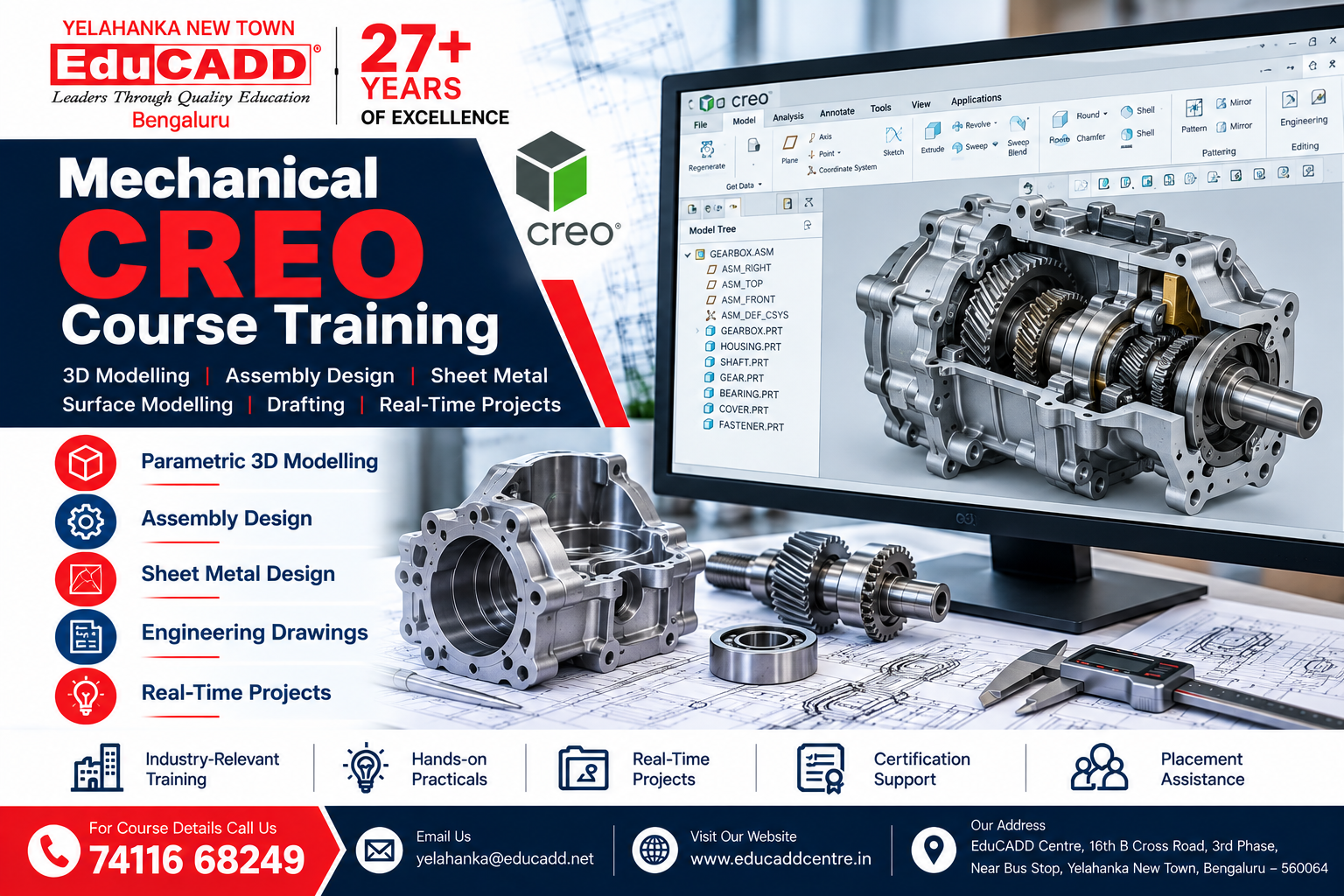
CREO Course Training
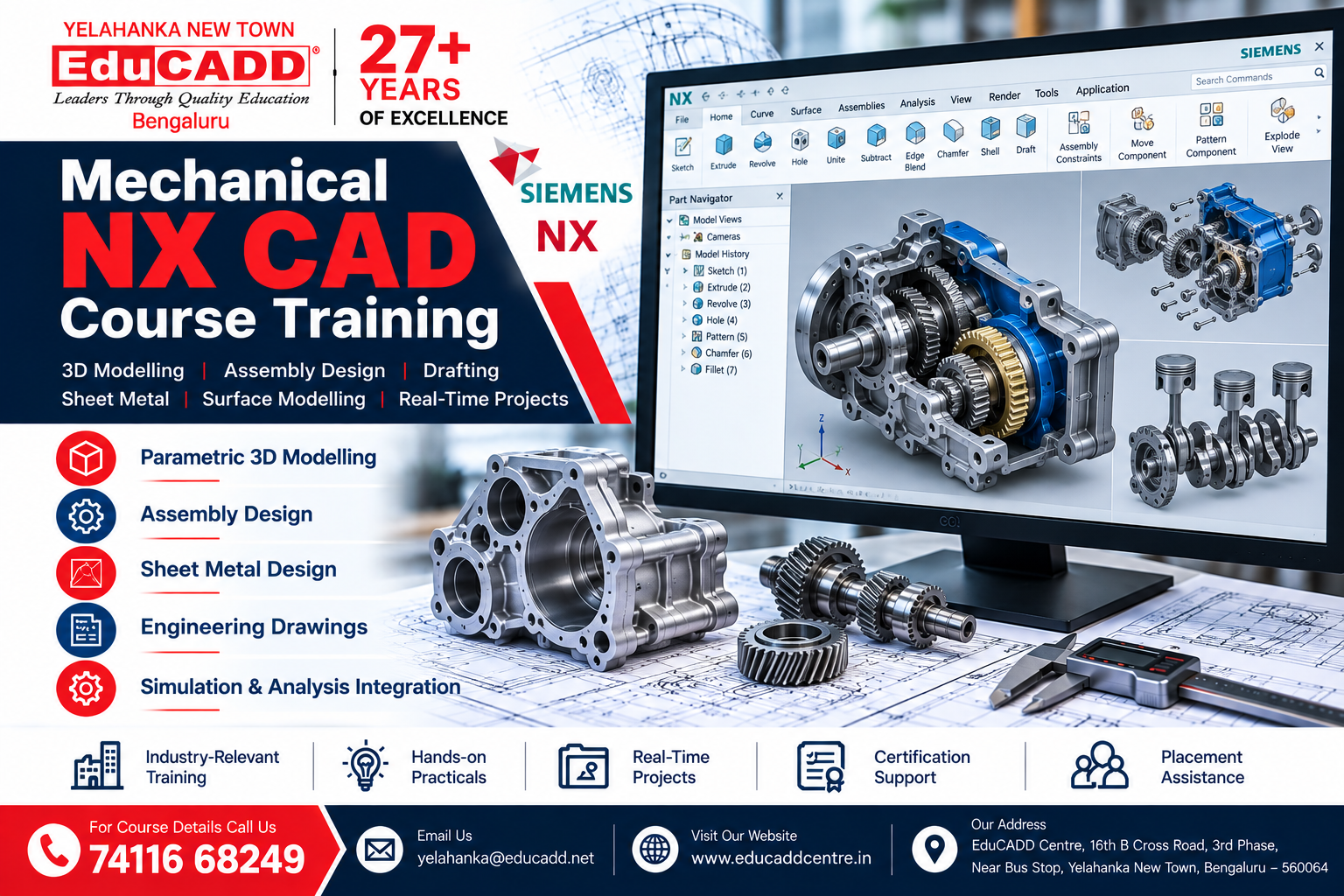
NX CAD Course Training
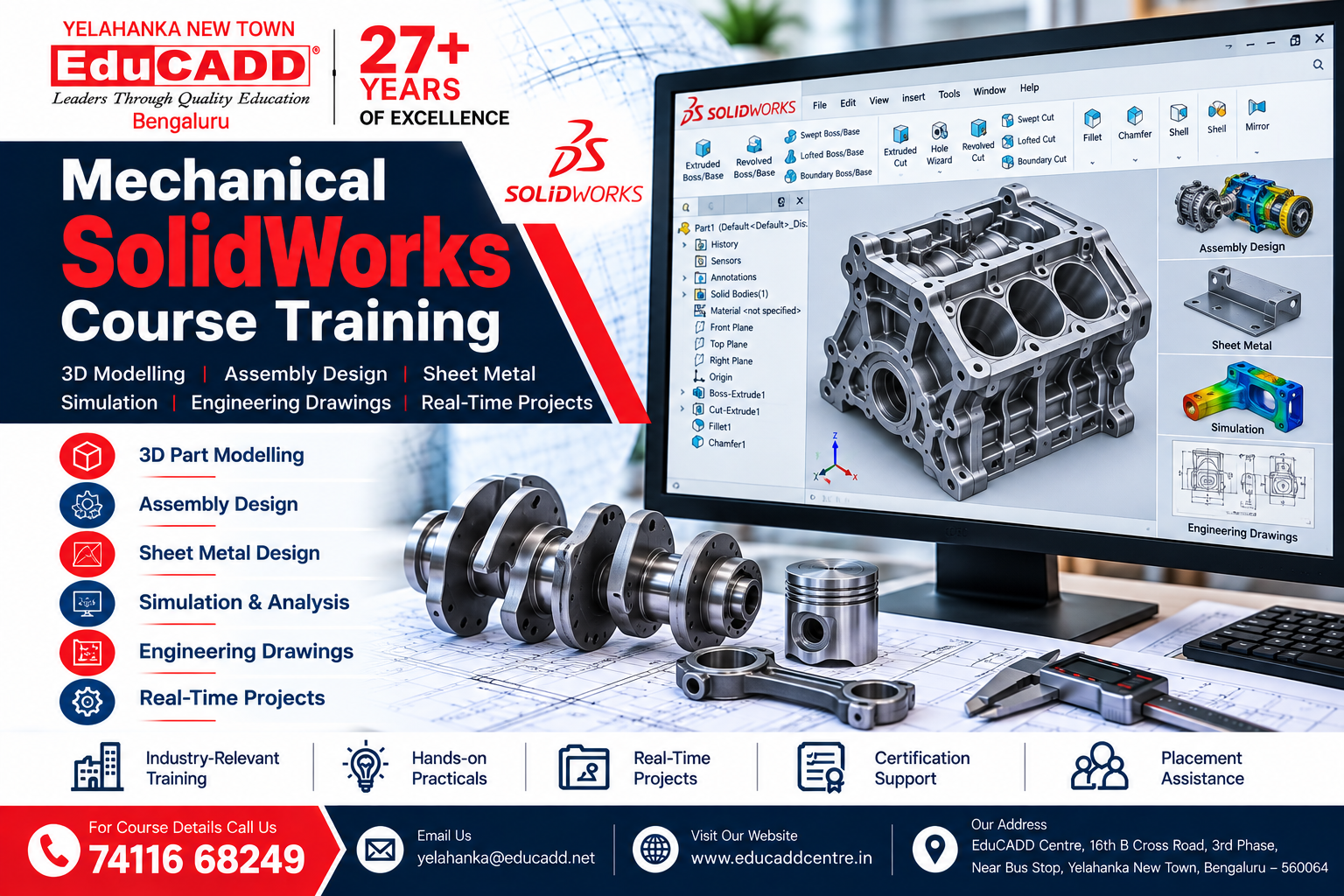
Solidworks Course Training
CAM Courses
Courses include: NX CAM, Mastercam and SolidCAM.
Build practical skills in Computer-Aided Manufacturing (CAM) for CNC programming, machining, toolpath generation and manufacturing workflows. Learn through hands-on exercises and real-world projects using professional CAM software to prepare for careers in manufacturing and CNC programming.
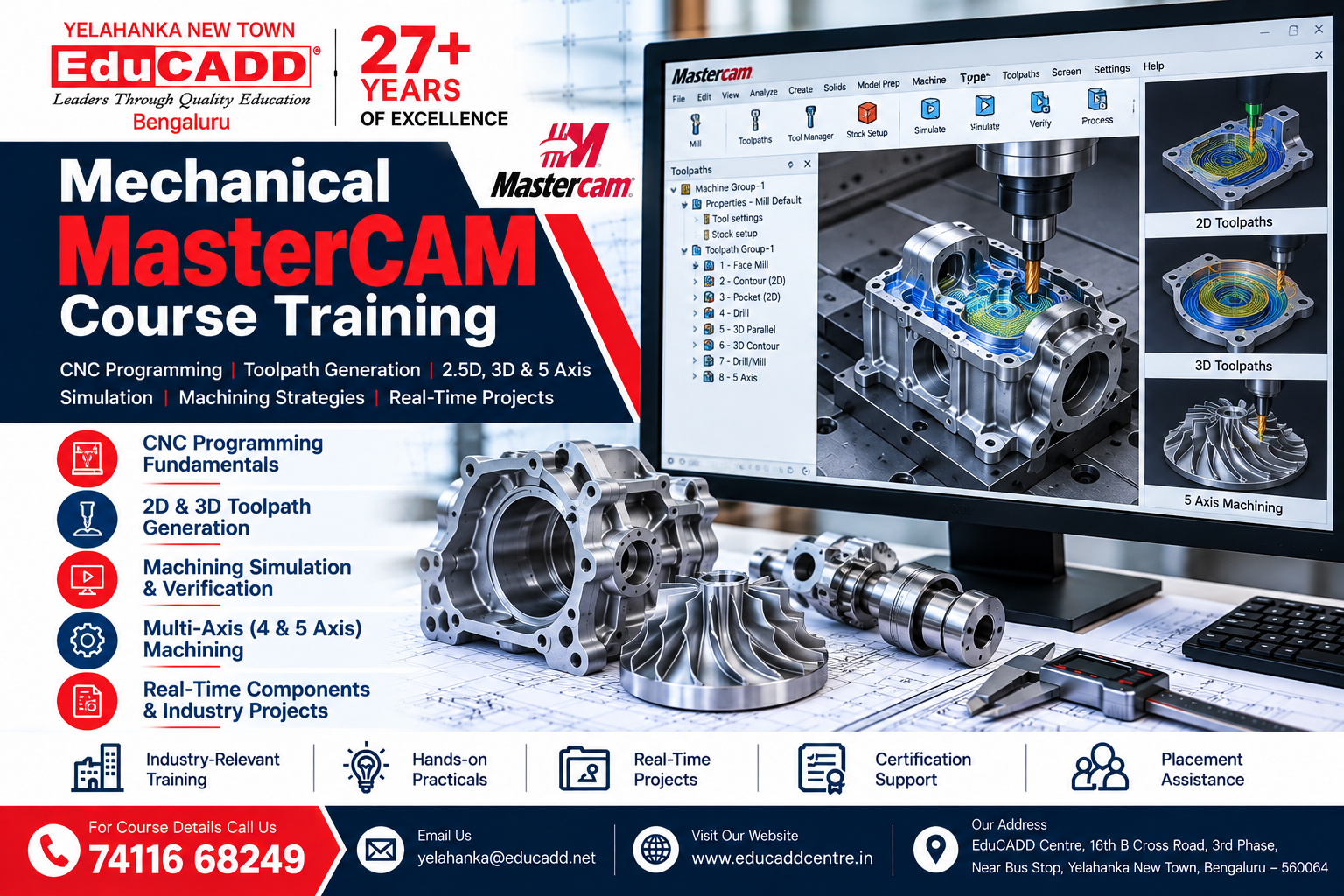
MasterCAM Course
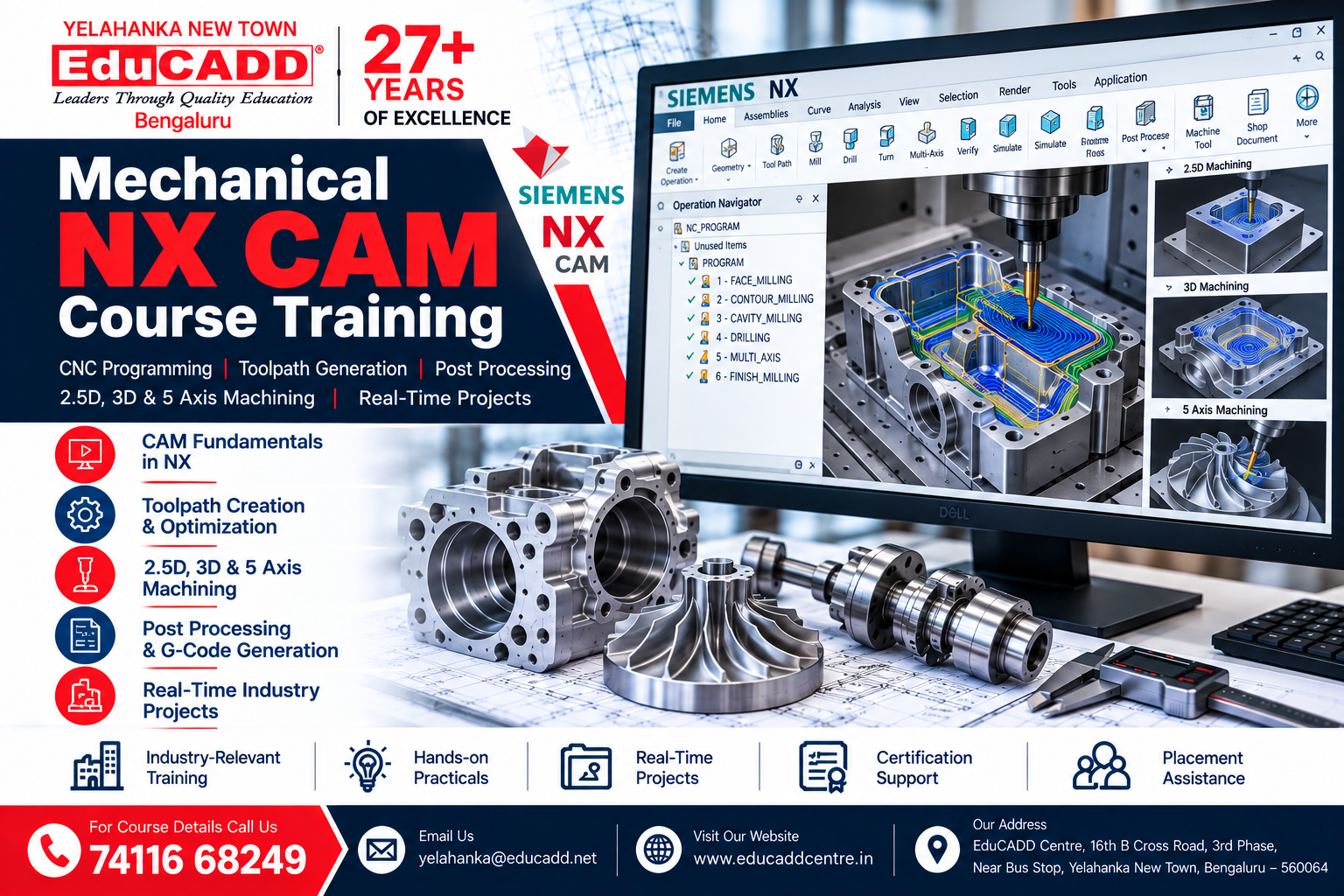
NX CAM Course
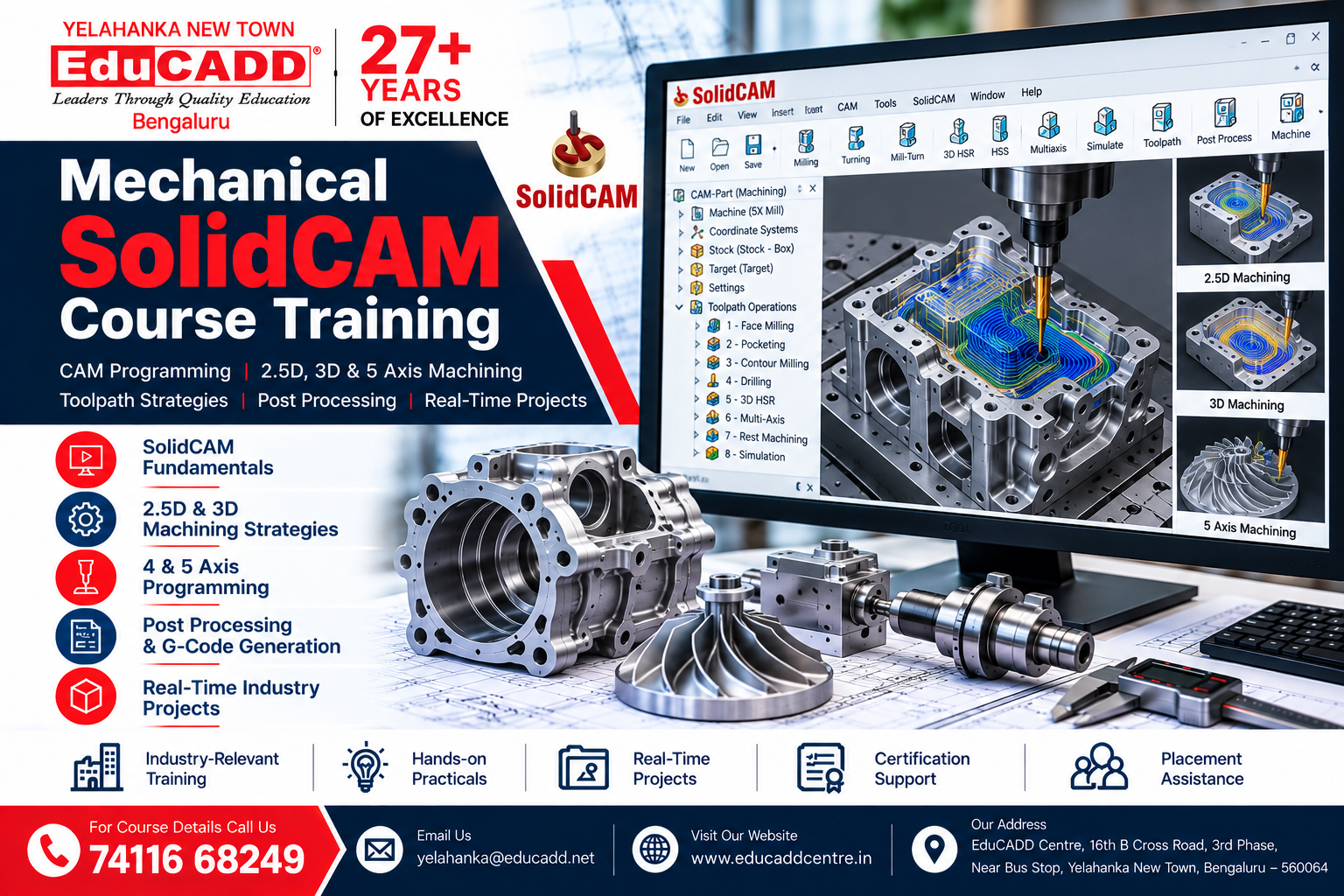
SolidCAM Course
CAE Courses
Learn Computer-Aided Engineering (CAE) and engineering simulation techniques used to evaluate product performance, structural behaviour, fluid flow and design reliability. Our practical training focuses on simulation workflows, analysis, interpretation of results and real-world engineering applications.
Courses include: ANSYS FEA, ANSYS CFD, HyperMesh and other relevant CAE/FEA tools.
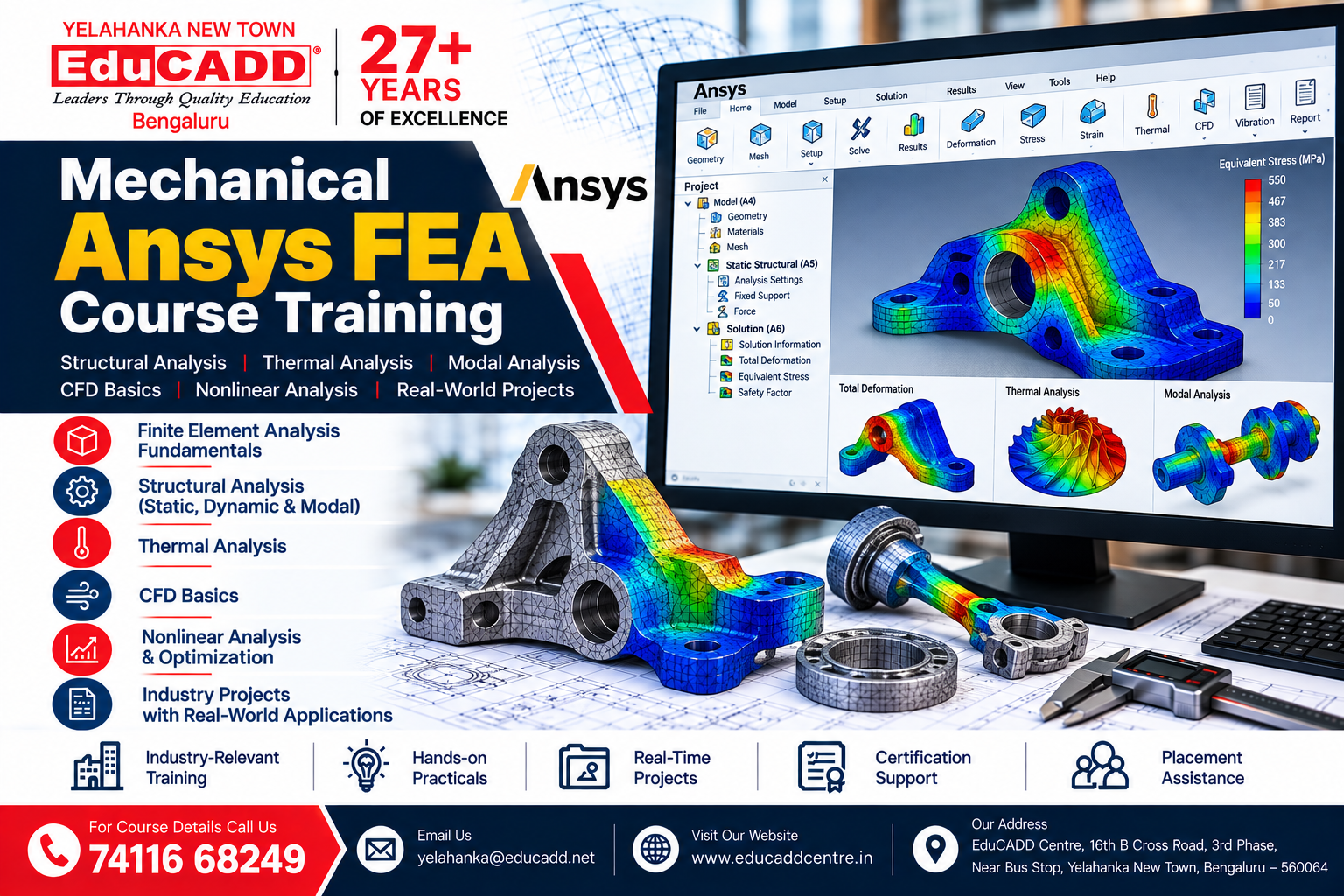
Ansys FEA Course
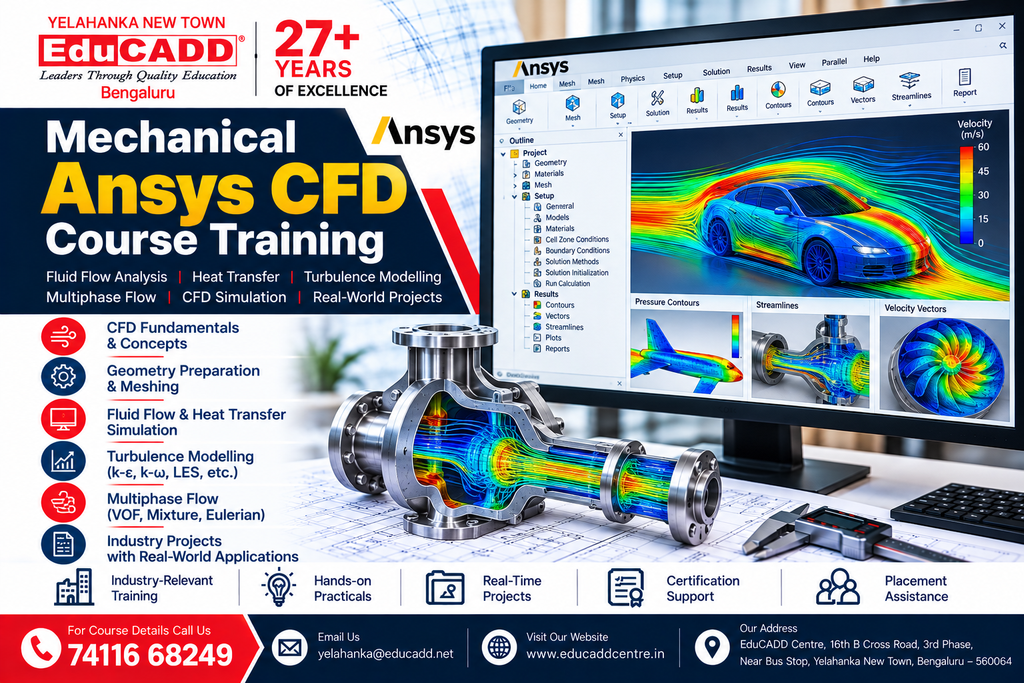
Ansys CFD Course
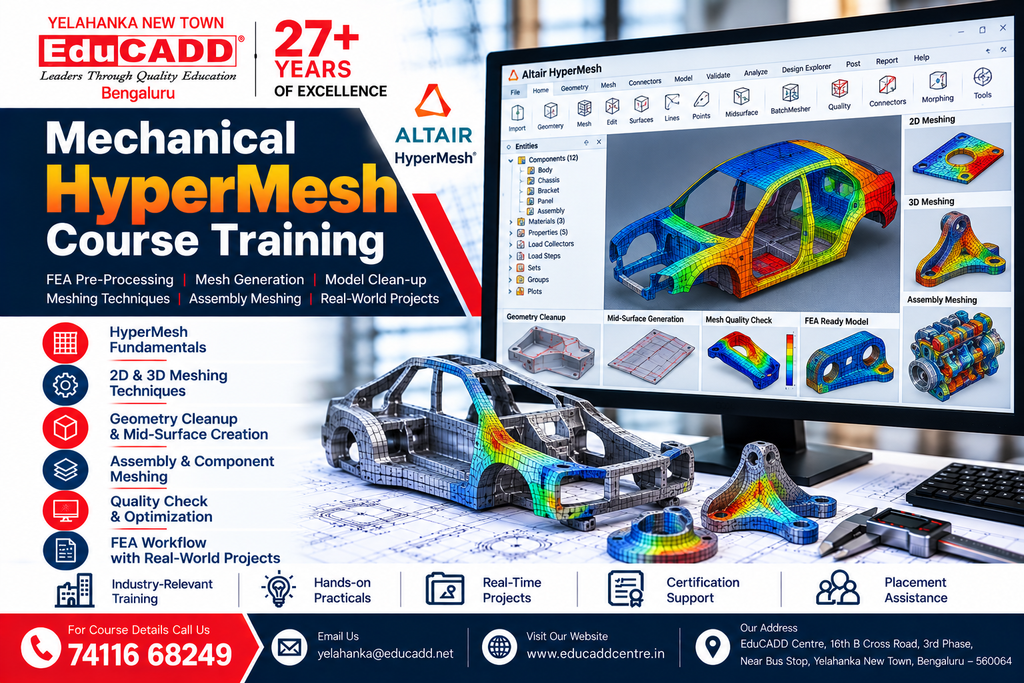
HyperMesh Course
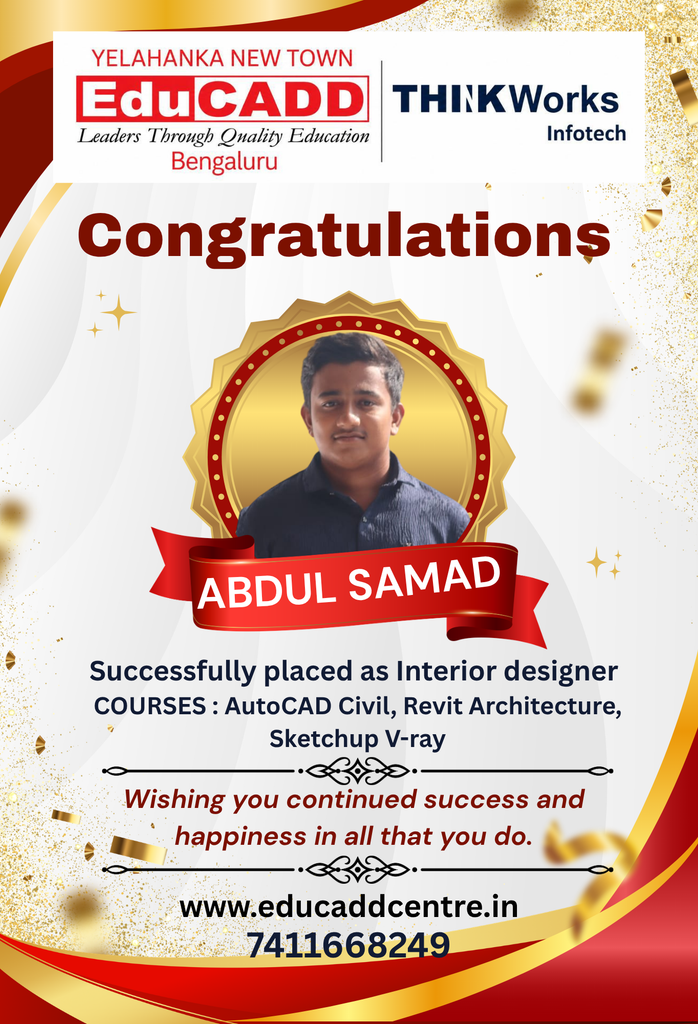
Our Students. Their Success.
Celebrating Career Opportunities & Placement Achievements























Why Choose EduCADD Centre Yelahanka Bangalore?
Get industry-focused training with practical learning, expert trainers, modern labs, and career-oriented support.

Industry-Focused Courses
Learn software skills aligned with current industry requirements.

Expert Trainers
Learn from experienced trainers with practical industry knowledge.

Practical Hands-On Training
Work on real projects and develop job-ready software skills.
Real-Time Projects
Build practical projects that strengthen your portfolio and confidence.
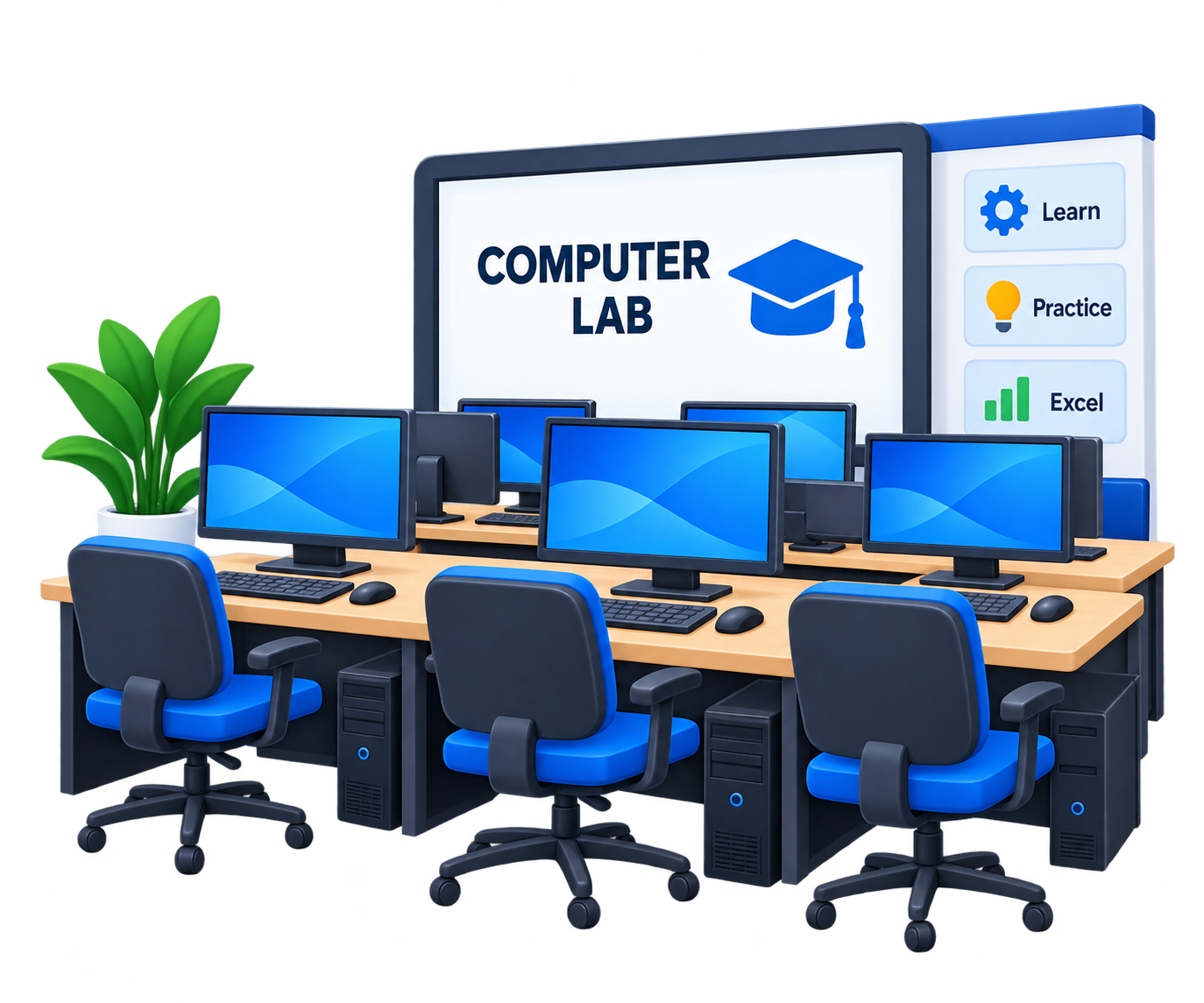
Modern Computer Labs
Practice on modern systems with a comfortable learning environment.

Flexible Batch Timings
Choose convenient weekday or weekend batches that fit your schedule.

Affordable Course Fees
Get quality professional training with budget-friendly course fees.

Internship & Placement Assistance
Get career guidance, interview preparation and placement assistance.
What Our Students Say About EduCADD Yelahanka
Frequently Asked Questions About EduCADD Centre Yelahanka Bangalore
Ready to Build Your Career with Industry-Ready Skills?
Join EduCADD Centre Yelahanka Bangalore for practical, industry-focused training in CAD, CADD, BIM, Interior Design, Digital Marketing and IT software.
