
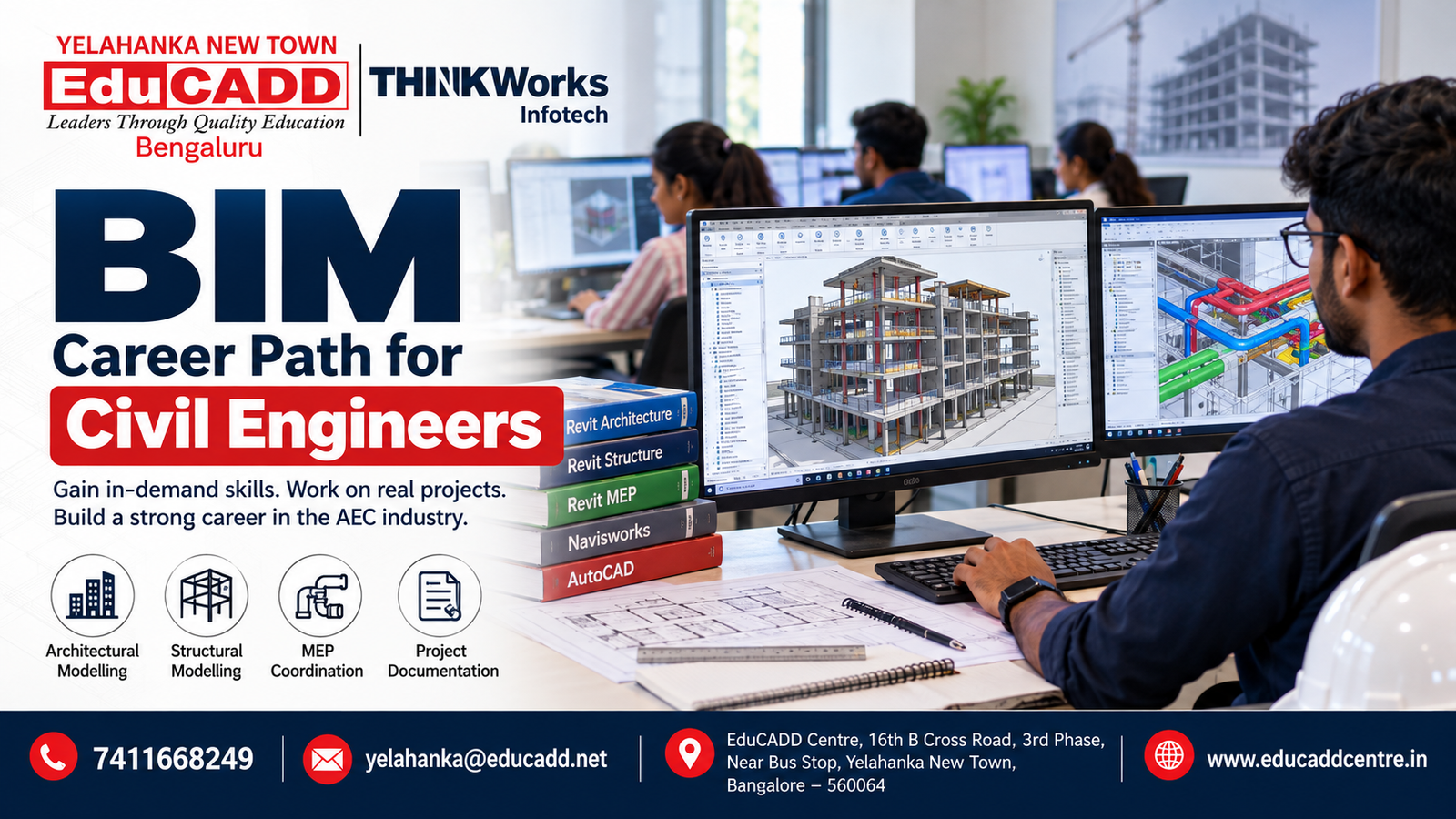
BIM Career Path for Civil Engineers: Skills, Software and Job Roles
Introduction
Civil engineering is increasingly moving beyond traditional 2D drafting toward digital design, 3D modelling, coordination and information-based construction workflows. For civil engineering students, diploma holders and working professionals, learning Building Information Modeling (BIM) can be a practical way to add modern digital skills to their existing engineering knowledge.
A BIM career path for civil engineers can involve software such as AutoCAD, Revit Structure, Revit Architecture, Revit MEP and Navisworks, depending on the professional role and specialization.
But BIM is more than simply learning a software package. A good BIM professional needs to understand modelling, drawings, documentation, coordination, project workflows and how different disciplines work together.
If you are looking for BIM training in Yelahanka or North Bangalore, understanding the skills and career progression first can help you choose the right training path.
What Is BIM in Civil Engineering?
Building Information Modeling, commonly called BIM, is a digital approach to creating, managing and coordinating information related to a built environment.
Instead of treating drawings as isolated 2D files, BIM workflows can connect a building’s physical components with useful project information.
For a civil engineering professional, this may include:
- Structural modelling
- Architectural coordination
- Construction documentation
- Reinforcement detailing
- Quantity information
- Model coordination
- Clash detection
- Project collaboration
- Construction planning
- Design review
BIM is therefore a combination of engineering knowledge, digital modelling and project coordination skills.
Why Should Civil Engineers Learn BIM?
Traditional civil engineering knowledge remains important, but many construction and design workflows now depend heavily on digital tools.
Learning BIM can help civil engineers develop skills in:
1. 3D Structural Modelling
Instead of working only with individual 2D plans, engineers can develop coordinated three-dimensional structural models.
2. Better Design Coordination
BIM workflows make it easier to coordinate architectural, structural and MEP information and identify potential conflicts during the design stage.
3. Construction Documentation
A properly developed model can support the production and management of drawings, schedules and other project information.
4. Project Collaboration
Modern construction projects often involve architects, structural engineers, MEP professionals, contractors and project managers. BIM provides a structured digital environment for collaboration.
5. Career Specialization
Civil engineers can use BIM skills to move toward roles such as BIM Modeler, BIM Engineer, BIM Coordinator and other digital construction positions, depending on their experience and technical capabilities.
BIM Software Civil Engineers Should Learn
There is no single software package that every civil engineer must learn. The right combination depends on the career direction you want to pursue.
1. AutoCAD
AutoCAD remains useful for understanding professional drafting and drawing workflows.
Civil engineering students can use it to strengthen their fundamentals in:
- 2D drafting
- Plans
- Sections
- Elevations
- Detailing
- Annotation
- Drawing standards
A strong drafting foundation can make it easier to understand more advanced BIM workflows.
2. Revit Structure
Revit Structure is particularly relevant for civil and structural engineering professionals interested in BIM-based structural modelling.
Key skills include:
- Levels and grids
- Columns
- Beams
- Slabs
- Foundations
- Structural walls
- Staircases
- Structural openings
- Reinforcement modelling
- Structural documentation
- Sheets and annotations
Civil engineers interested in structural BIM can make Revit Structure an important part of their learning roadmap.
EduCADD Centre Yelahanka currently offers a dedicated Civil Revit Structure training program covering structural modelling, reinforcement detailing, documentation and BIM coordination. Educadd Centre
3. Revit Architecture
Civil engineers working closely with architectural teams can also benefit from understanding Revit Architecture.
It can help learners understand:
- Building modelling
- Floor plans
- Elevations
- Sections
- Families
- Materials
- Architectural documentation
- 3D visualization
Understanding architectural models can also make interdisciplinary BIM coordination easier.
4. Revit MEP
Building projects require coordination between structural, architectural and MEP systems.
Revit MEP is used for modelling building services such as:
- HVAC
- Plumbing
- Electrical systems
- Mechanical systems
- Building services
For civil engineers moving toward BIM coordination, understanding the basics of MEP models can be valuable.
5. Navisworks
BIM coordination often requires reviewing models from multiple disciplines.
Navisworks can be used for workflows such as:
- Model coordination
- Clash detection
- Design review
- Construction simulation
- Coordination meetings
- Model visualization
Learning Navisworks alongside Revit can therefore give civil engineering learners a broader understanding of BIM coordination.
EduCADD’s BIM training information also identifies Revit Architecture, Revit Structure, Revit MEP and Navisworks among the software covered in its BIM-oriented training. Educadd Centre
BIM Career Roadmap for Civil Engineers
A structured learning path can make BIM training more effective.
Stage 1 — Strengthen Civil Engineering Fundamentals
Before focusing heavily on software, understand:
- Building construction
- Structural systems
- Engineering drawings
- Construction terminology
- Basic quantity concepts
- Architectural and structural drawings
Stage 2 — Learn 2D Drafting
Start with AutoCAD and develop confidence in:
- Layers
- Dimensions
- Blocks
- Annotation
- Drawing standards
- Layouts
- Printing
Stage 3 — Learn Revit
Choose your specialization.
For structural BIM, focus on:
Revit Structure → Structural Modelling → Reinforcement → Documentation
For architectural BIM, focus on:
Revit Architecture → Building Modelling → Families → Documentation → Visualization
Stage 4 — Learn Coordination
Once you understand modelling, learn how different disciplines interact.
This is where tools such as Navisworks become useful.
Stage 5 — Work on Realistic Projects
Don’t stop after completing software exercises.
Build projects such as:
- Residential building
- Multi-storey building
- Commercial building
- Structural BIM model
- RCC structure
- Architectural model
- Coordinated building model
Stage 6 — Build a Professional Portfolio
Your portfolio can include:
- 3D models
- Structural drawings
- Revit sheets
- Sections and elevations
- Reinforcement details
- Clash detection examples
- Quantity schedules
- Project screenshots
A strong portfolio can help demonstrate your practical skills during interviews.
BIM Job Roles for Civil Engineering Professionals
BIM offers multiple possible career directions.
BIM Modeler
A BIM Modeler focuses primarily on creating and developing digital models according to project requirements.
BIM Engineer
A BIM Engineer may handle modelling, documentation, coordination and technical BIM workflows depending on the organization.
BIM Coordinator
A BIM Coordinator works across disciplines and helps coordinate architectural, structural and MEP models.
Structural BIM Professional
This role focuses on structural modelling, reinforcement, documentation and coordination.
BIM Manager
BIM management is generally a more experienced career level involving standards, processes, teams, project coordination and BIM implementation.
Important: Job titles, responsibilities and required experience vary between companies. Completing a course does not guarantee employment; practical skills, project experience, communication ability and interview performance also matter.
BIM Skills That Can Make Your Resume Stronger
Software knowledge alone may not be enough.
Try to develop a combination of:
Technical Skills
- AutoCAD
- Revit
- Navisworks
- BIM modelling
- Structural detailing
- Construction documentation
- Clash detection
- Quantity-related workflows
Engineering Skills
- Structural fundamentals
- Construction methods
- Drawing interpretation
- Building components
- Material understanding
- Design coordination
Professional Skills
- Communication
- Team collaboration
- Problem solving
- Project presentation
- Documentation
- Time management
This combination can make your profile more useful than simply listing multiple software names on a resume.
BIM Training in Yelahanka: What Should You Look For?
If you are searching for BIM training in Yelahanka, don’t choose a course only because it lists many software names.
Check whether the training includes:
- Practical hands-on sessions
- Real-time project work
- Revit training
- Structural or architectural specialization
- Navisworks coordination
- Drawing documentation
- Portfolio development
- Experienced trainers
- Flexible batch options
- Career guidance
- Interview preparation
EduCADD Centre Yelahanka provides CAD, CAM, BIM, Civil CADD, Mechanical CADD, Interior Design and IT-related training, with practical learning and career-oriented support. The centre states that it has 27+ years of experience in professional education and skill development. Educadd Centre
Why Choose EduCADD Centre Yelahanka for BIM Training?
At EduCADD Centre Yelahanka, learners can explore BIM and related civil engineering software through practical, industry-oriented training.
The centre’s Civil CADD offerings include AutoCAD Civil, Revit Architecture, Revit Structure, Revit MEP, SketchUp, V-Ray, ETABS, STAAD.Pro, Navisworks and other construction and design tools. Educadd Centre
Training can be relevant for:
- Civil engineering students
- Diploma students
- Civil engineering graduates
- Structural engineering aspirants
- Site engineers
- Architects
- BIM aspirants
- Working professionals
EduCADD also provides career-oriented support such as project guidance, resume and portfolio guidance, interview preparation, internship assistance and placement assistance. Educadd Centre
How to Start Your BIM Career
If you are a civil engineering student or graduate, you don’t necessarily need to learn every BIM software package at once.
A practical starting roadmap could be:
Civil Engineering Fundamentals
↓
AutoCAD
↓
Revit Structure / Revit Architecture
↓
BIM Documentation
↓
Navisworks & Coordination
↓
Real-Time Project
↓
Portfolio & Resume
↓
Interview Preparation
The exact path should depend on whether you want to move toward structural BIM, architectural BIM, MEP coordination, visualization or project coordination.
Conclusion
BIM can be a valuable skill area for civil engineers who want to strengthen their digital design and construction capabilities. However, successful BIM learning is not simply about memorizing software commands.
The stronger approach is to combine civil engineering fundamentals + software skills + project-based practice + coordination knowledge + portfolio development.
If you are looking for BIM training in Yelahanka, BIM courses in Bangalore or Revit training near Yelahanka, EduCADD Centre Yelahanka can help you explore suitable training options based on your education and career goals.
Contact EduCADD Centre Yelahanka for course details, fees, upcoming batches and career guidance.
📞 7411668249
📧 yelahanka@educadd.net
📍 EduCADD Centre, 16th B Cross Road, 3rd Phase, Near Bus Stop, Yelahanka New Town, Bangalore – 560064
🌐 www.educaddcentre.in
