
Best CAD Courses After Mechanical Engineering: Career Guide
Introduction
Mechanical engineering offers a wide range of career opportunities, but developing practical software skills can make a significant difference when entering the engineering and design industry.
Today, companies involved in product design, manufacturing, automotive engineering, mechanical drafting and engineering services use CAD software extensively for creating, modifying and documenting engineering designs.
If you have completed or are pursuing mechanical engineering, learning industry-relevant CAD software can help you develop practical design skills and prepare for roles in engineering design and drafting.
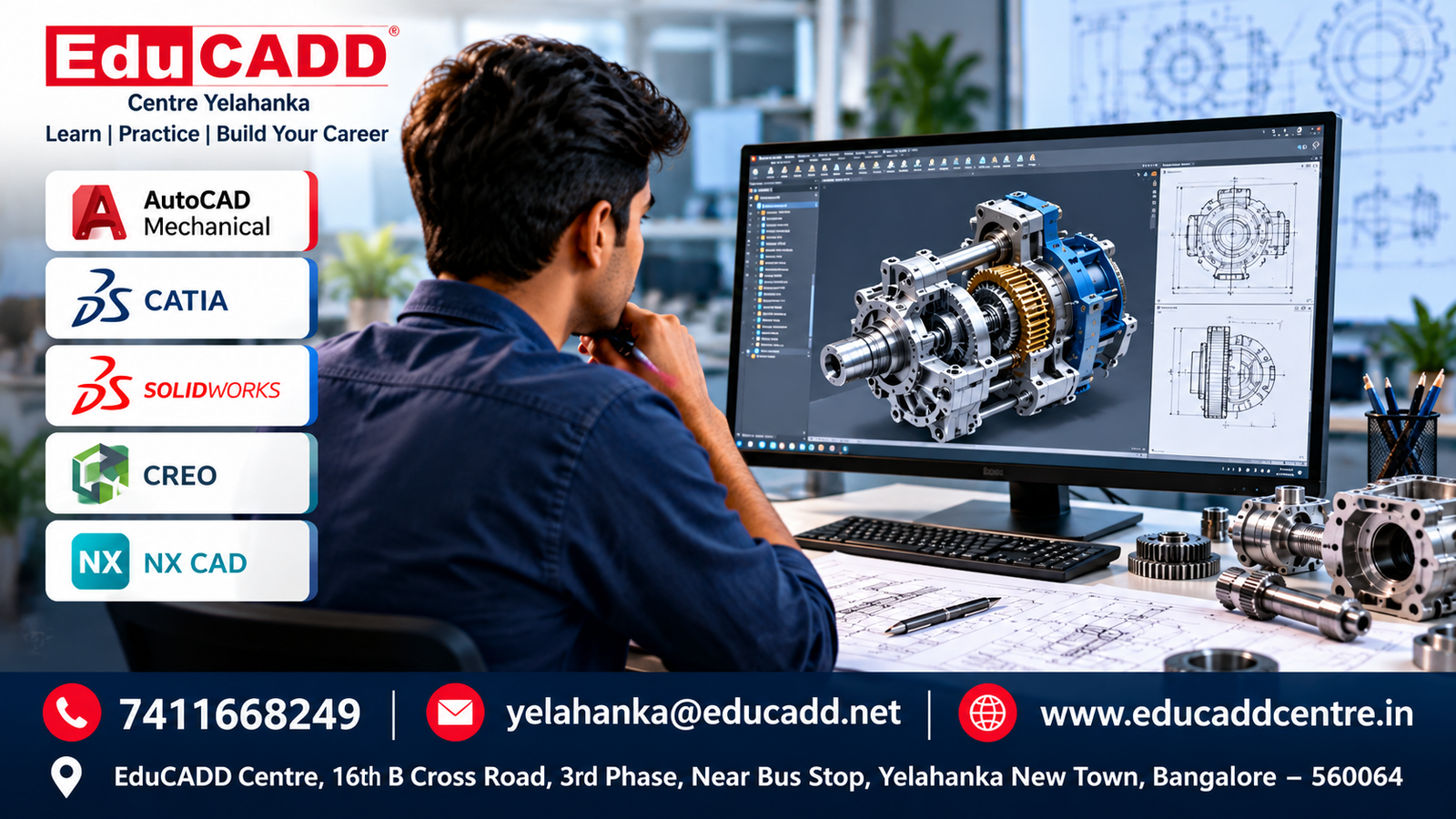
Popular software skills include AutoCAD Mechanical, CATIA, SolidWorks, CREO and NX CAD, depending on your career interest and the type of engineering work you want to pursue.
In this guide, we will look at some of the best CAD courses after Mechanical Engineering, the software you can learn, career opportunities and how practical CAD training can help you build your engineering career.
Why Are CAD Skills Important After Mechanical Engineering?
Mechanical engineering involves designing, developing and manufacturing components, machines and products. CAD software helps engineers convert engineering concepts into accurate digital designs and technical drawings.
Learning CAD can help you:
- Develop practical mechanical design skills
- Create accurate 2D drawings and 3D models
- Understand engineering design workflows
- Improve your technical drawing knowledge
- Prepare professional design documentation
- Work with industry-standard engineering software
- Build a stronger technical portfolio
- Prepare for entry-level CAD and design roles
For students and freshers, practical CAD training can also help bridge the gap between academic mechanical engineering knowledge and industry-oriented design skills.
Best CAD Courses After Mechanical Engineering
There are several CAD and mechanical design software courses that can help mechanical engineering students and graduates develop practical industry skills. The best choice depends on your career goal, preferred industry and type of design work.
1. AutoCAD Mechanical
AutoCAD Mechanical is useful for 2D mechanical drafting, engineering drawings and documentation. It can help students understand mechanical drafting standards, dimensions, annotations and technical drawing workflows.
Suitable for: Mechanical engineering students, freshers, CAD beginners and mechanical drafting professionals.
2. CATIA
CATIA is widely used for advanced 3D mechanical design, product development and engineering applications. Training can cover part modelling, assembly design, surface modelling and engineering documentation.
Suitable for: Product design, automotive design and mechanical engineering careers.
3. SolidWorks
SolidWorks is a popular 3D CAD software used for mechanical part modelling, assemblies, drawings and product design. It is suitable for students who want to develop practical 3D modelling and mechanical design skills.
Suitable for: Mechanical design, product design, manufacturing and engineering companies.
4. CREO
PTC Creo is used for 3D product design, parametric modelling, assemblies and engineering development. It can be useful for students interested in product design and manufacturing-oriented careers.
Suitable for: Product design, mechanical engineering and manufacturing industries.
5. NX CAD
Siemens NX CAD is an advanced engineering design and product development platform used for 3D modelling, assemblies and manufacturing-related workflows.
Suitable for: Advanced mechanical design, product development and manufacturing careers.
Which CAD Course Should You Choose?
Your choice should depend on your career objective. Beginners can start with AutoCAD Mechanical to strengthen drafting fundamentals, while students interested in advanced 3D mechanical design can explore CATIA, SolidWorks, CREO or NX CAD.
Learning one software thoroughly and developing practical project experience is generally more valuable than simply collecting multiple software certifications.
Career Benefits of CAD Training
Practical CAD skills can open opportunities across mechanical design, manufacturing, automotive, product development and engineering services.
After completing a relevant CAD course, you can explore roles such as:
- Mechanical CAD Designer
- CAD Design Engineer
- Mechanical Design Engineer
- CAD Draftsman
- Mechanical Draftsman
- Junior Design Engineer
- Product Design Engineer
- 3D CAD Designer
- Mechanical Design Assistant
- CAD Engineer
Your career options can become broader when CAD skills are combined with practical project experience and knowledge of manufacturing and engineering processes.
For example, learning AutoCAD Mechanical + CATIA, SolidWorks + AutoCAD, or CREO/NX CAD with strong mechanical design fundamentals can help you develop a more comprehensive technical profile.
Build a Practical CAD Portfolio
Along with software knowledge, try to develop a portfolio containing practical work such as:
- Mechanical components
- 2D engineering drawings
- 3D part models
- Assembly models
- Product design projects
- Manufacturing drawings
- Technical documentation
A practical portfolio can help demonstrate your skills during interviews and job applications.
How to Choose the Right CAD Course After Mechanical Engineering
Choosing the right CAD course depends on your career goal, current skill level and the type of engineering work you want to pursue.
For Beginners
If you are new to CAD, starting with AutoCAD Mechanical can help you understand 2D drafting, engineering drawings and basic CAD workflows.
For 3D Mechanical Design
If your goal is to work in mechanical design and product development, consider learning software such as CATIA, SolidWorks, CREO or NX CAD.
For Automotive and Product Design
Students interested in automotive, product development and advanced mechanical design can benefit from developing strong 3D modelling, assembly and surface modelling skills.
For Manufacturing Careers
If you are interested in manufacturing and production-oriented roles, combine CAD knowledge with an understanding of engineering drawings, design documentation and manufacturing processes.
Choose Practical Training
When selecting a CAD training institute, look for:
- Hands-on software practice
- Real-time engineering projects
- Experienced trainers
- Practical assignments
- Portfolio development
- Interview preparation
- Career guidance
- Placement assistance
The goal should not simply be to complete a CAD course. The focus should be on developing practical design skills that you can demonstrate through projects and a professional portfolio.
Learn Mechanical CAD at EduCADD Centre Yelahanka
If you are looking for CAD courses in Yelahanka, Bangalore, EduCADD Centre Yelahanka provides practical training for students, freshers and working professionals interested in mechanical design and engineering software.
Training can include software such as AutoCAD Mechanical, CATIA, SolidWorks, CREO and NX CAD, depending on your selected course and career objective.
The training focuses on practical software skills, engineering design workflows, real-time projects and portfolio development.
Why Choose EduCADD Centre Yelahanka?
- 27+ years of training experience
- Practical, hands-on software training
- Experienced trainers
- Real-time project-based learning
- Mechanical CAD and 3D design courses
- Portfolio development
- Career guidance
- Resume and interview preparation
- Placement assistance
- Convenient location in Yelahanka New Town, Bangalore
If you are planning to build a career in mechanical CAD, mechanical design, product design or engineering drafting, developing practical CAD software skills can be an important step toward your career goals.
Explore Mechanical CADD Courses at EduCADD Centre Yelahanka and choose the software that matches your career objective.
Conclusion
Learning the right CAD software after Mechanical Engineering can help you develop practical skills for today’s engineering and design industry.
Whether you choose AutoCAD Mechanical, CATIA, SolidWorks, CREO or NX CAD, focus on practical training, real-time projects and building a strong portfolio.
Your software choice should match your career goal — whether you are interested in mechanical drafting, 3D mechanical design, product development, automotive design or manufacturing.
If you are looking for CAD training in Yelahanka, Bangalore, EduCADD Centre Yelahanka offers practical, career-oriented training with experienced trainers, project-based learning, career guidance and placement assistance.
Start Your CAD Learning Journey
Build practical CAD skills. Work on real projects. Prepare for your engineering career.
📞 7411668249
✉️ yelahanka@educadd.net
🌐 www.educaddcentre.in
EduCADD Centre, 16th B Cross Road, 3rd Phase, Near Bus Stop, Yelahanka New Town, Bangalore – 560064
