Civil MS Project Course With 100% Placement in Educadd Centre Yelahanka Bangalore
Master Project Planning & Scheduling with MS Project at EduCADD Centre Yelahanka
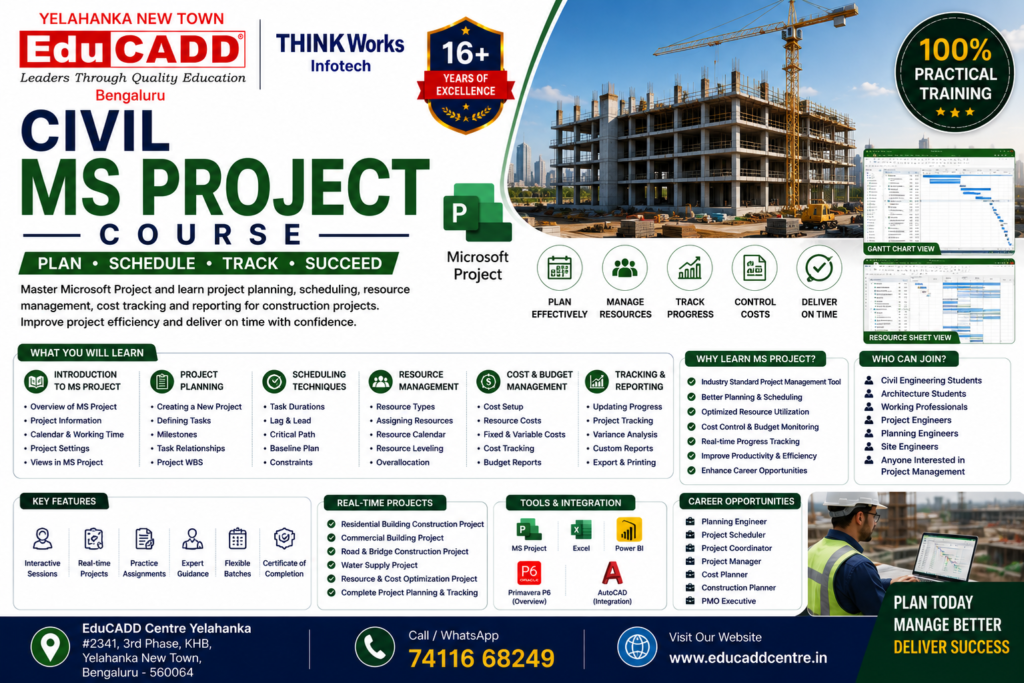
Build a successful career in construction project planning, scheduling, project coordination, and project management with the Civil MS Project Course at EduCADD Centre Yelahanka. This practical, industry-focused training program is designed for civil engineering students, diploma holders, site engineers, planning engineers, project coordinators, contractors, and working professionals who want to master Microsoft Project for construction planning, scheduling, resource allocation, cost tracking, and progress monitoring.
Gain hands-on practical training with real-time construction project case studies and learn professional project planning workflows used in construction, infrastructure, EPC, and engineering industries.
Microsoft Project is one of the most widely used project management software tools for planning, scheduling, monitoring, and controlling engineering and construction projects.
Industries Using MS Project:
✅ Construction Companies ✅ Infrastructure Development Firms ✅ EPC Companies ✅ Real Estate Projects ✅ Project Management Consulting Firms ✅ Facility Management Companies ✅ Industrial Projects
Project planning professionals are highly in demand in civil engineering and construction sect
Course Highlights
✔ 100% Practical Training ✔ Industry-Oriented Curriculum ✔ Real-Time Project Training ✔ Expert Trainer Guidance ✔ Flexible Weekday & Weekend Batches ✔ Online & Offline Training Available ✔ Certification Support ✔ Placement Assistance ✔ Modern Lab Facilities
Software Covered
Microsoft Project
Industry-standard project planning and scheduling software.
Topics Covered:
MS Project Interface & Navigation
Project Setup
Scheduling Workflow
Resource Planning
Cost Management
Reporting & Monitoring
What You Will Learn
MS Project Fundamentals
Introduction to Microsoft Project
Interface & Navigation
Project Setup & Calendar Configuration
Project Information Settings
Task Management Basics
Project Planning & Scheduling
Work Breakdown Structure (WBS)
Activity Creation
Task Dependencies
Milestones & Constraints
Gantt Chart Management
Critical Path Method (CPM)
Schedule Optimization
Resource Management
Resource Creation
Resource Assignment
Resource Leveling
Workforce Planning
Material Resource Management
Cost Management
Cost Planning
Budget Allocation
Cost Tracking
Project Cost Monitoring
Earned Value Basics
Monitoring & Reporting
Baseline Creation
Progress Tracking
Delay Analysis
Variance Monitoring
Dashboards & Reports
Project Performance Tracking
Civil Project Applications
Building Construction Scheduling
Road Project Planning
Infrastructure Project Monitoring
Site Progress Tracking
Resource Planning for Construction Projects
Real-Time Projects
Students gain practical experience through:
🏗 Building Construction Scheduling Project 🏢 Commercial Project Planning Case Study 🛣 Infrastructure Project Scheduling Project 📊 Resource Planning Project 📐 Delay Analysis Project 📈 Project Monitoring & Reporting Project
Who Can Join?
This course is ideal for:
Civil Engineering Students
Diploma Civil Students
Site Engineers
Planning Engineers
Project Engineers
Contractors
Working Professionals
Freshers Interested in Project Management Careers
Career Opportunities
After completing this course, students can apply for roles such as:
Planning Engineer
Project Coordinator
Scheduling Engineer
Site Planning Engineer
Project Control Engineer
Project Engineer
Contracts Engineer
Construction Planning Executive
Placement Assistance
We help students with:
Resume Preparation
Mock Interviews
Technical Interview Training
Career Guidance
Job Assistance Support
#1 CADD Course Training Centre With Placement Educadd Centre Yelahanka Bangalore
No 1 CADD, CAM, Interior Design, BIM 360 Course, IT Software and Digital Marketing Training Centre With 100% Placement
Why Choose Educadd Centre Yelahanka?
Our CAM courses are designed for manufacturing, CNC programming, and product design industries.
Industry-Relevant Curriculum
Expert & Certified Trainers
Practical Hands-on Training
Real-Time Projects
Modern Computer Labs
Flexible Batch Timings
Affordable Fees Structure
Internship & Placement Assistance
Check Our Google Reviews
Best place to learn NX CAM! I was a beginner to CAM software, but the way the faculty breaks down complex topics like post-processing and design made it very easy to understand. The institute provides great hands-on practice and the lab facilities are excellent. Special thanks to my trainer for the one-on-one doubt-clearing sessions. If you want to master CNC programming, this is the place to go💫💫
An excellent institute for anyone looking to master CAD. The trainers are highly skilled and ensure strong conceptual understanding along with hands-on experience. The practical sessions, real-time projects, and placement support make it one of the best places to learn industry-relevant design tools.
Hii..,I took the course of Interior design Autocadd,SketchUp, V ray , Photoshop
The faculty are soo good., even i'm non background still I learn completely..,i truly recommend "Educadd Yelahanka"..,❤️
I am 4th year Aeronautical engineering student of east west college of engineering Yelahanka New Town. I have completed the CATIA at EduCADD Yelahanka new town. They have covered the 6 workbench sketcher, part design, Assembly, Sheet metal design, surfacing and drafting. Faculties and teaching is excellent. They have provided the iso certification and placements. Thanks to EduCADD Yelahanka.









 Get FREE Course Details